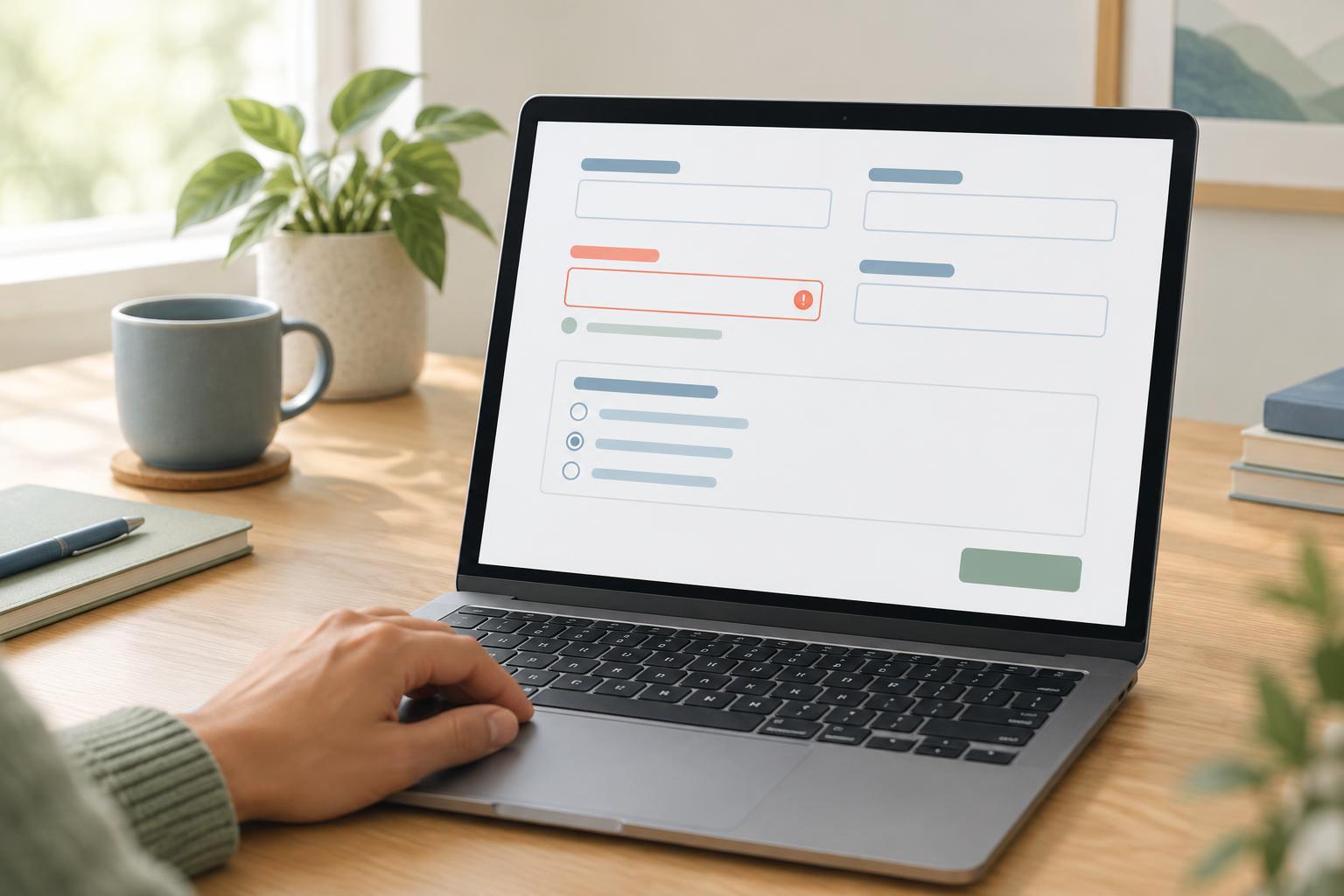
Accessible FrontendsA form is easier to use when each input has a clear name, nearby instructions, and useful feedback. Learn how to label fields, explain formats, group related choices, and connect errors to the inputs they describe.
Read article · 4 min↗

Accessible FrontendsAn image does not need a spoken description simply because it appears on a page. Learn how to decide whether an image is decorative, give decorative HTML images empty alternative text, and check that meaningful content remains available to everyone.
Read article · 3 min↗

Accessible FrontendsAlternative text helps people understand an image when they cannot see it. Learn how to identify an image’s purpose, write concise descriptions that fit the surrounding content, and check your choices in a web interface.
Read article · 4 min↗

Accessible FrontendsA clear page outline helps people scan content, move between sections, and find the main task. Learn how to combine descriptive headings with HTML landmarks, then check the result using keyboard navigation and accessibility tools.
Read article · 4 min↗

Accessible FrontendsSemantic HTML gives a page a structure that browsers and assistive technologies can interpret. Learn how to choose landmarks, headings, lists, links, buttons, and form controls by the job they do, then check whether the resulting page makes sense without its visual styling.
Read article · 4 min↗