
Interface ComponentsToast messages are easy to display but easy to miss. Build a small queue that shows one message at a time, gives people a clear way to dismiss it, and announces new messages without moving keyboard focus.
Read article · 4 min↗

Interface ComponentsA copy-link button is small, but its behavior matters: it should copy the intended address, report success only after the clipboard write succeeds, and leave the link usable when copying is unavailable.
Read article · 3 min↗
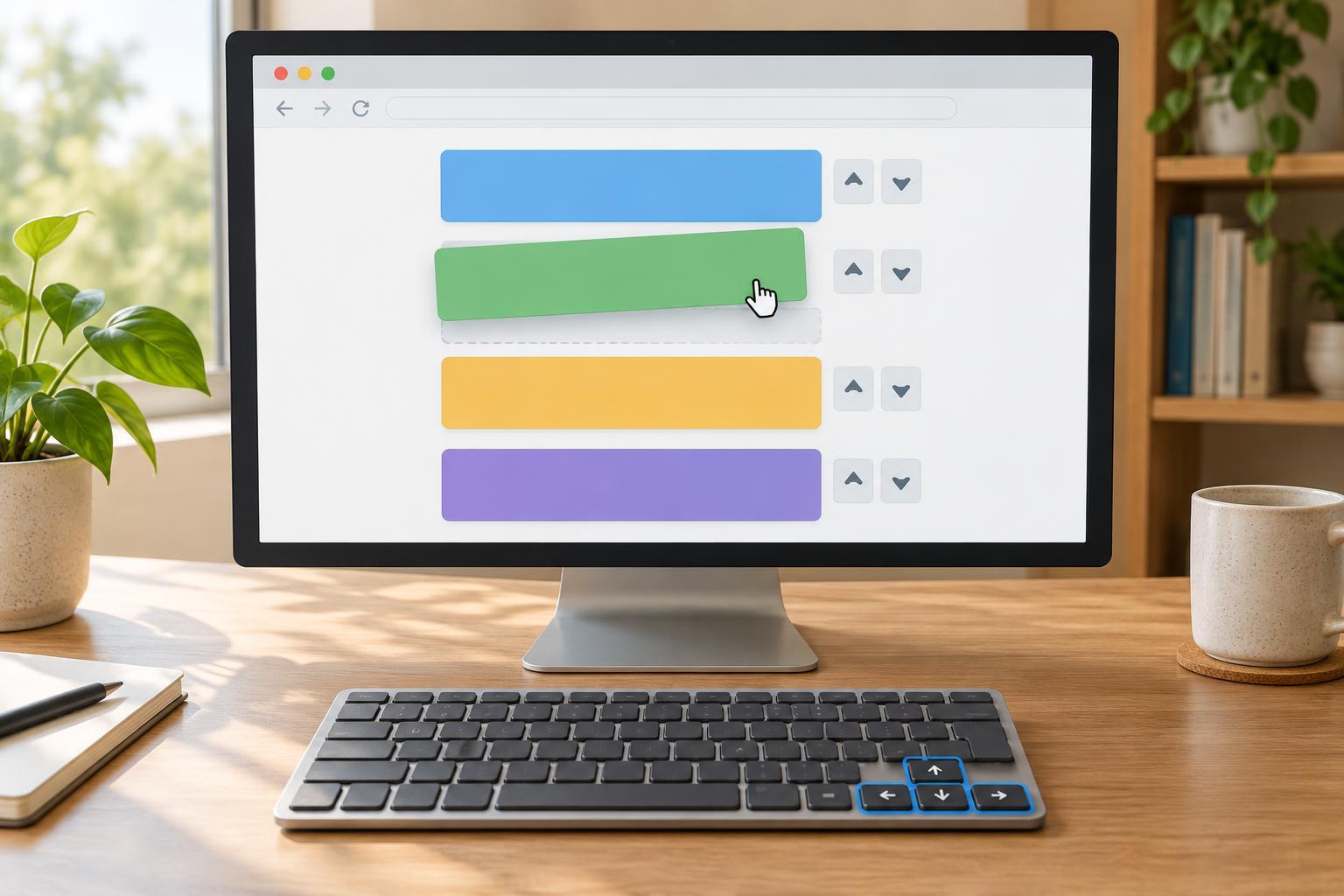
Interface ComponentsBuild a reorderable list with native browser drag-and-drop and Up and Down buttons. Both interactions use the same move function, so the list order and screen-reader announcement stay consistent.
Read article · 4 min↗

Interface ComponentsA progress indicator is useful only when it reflects what the application knows. Learn when to show a percentage, when to show an ongoing activity without a value, and how to keep both understandable to people using assistive technology.
Read article · 4 min↗

Interface ComponentsCreate a small tree view in plain JavaScript, then add predictable pointer and keyboard behavior. This example keeps expansion, focus, and selection separate so each interaction has a clear purpose.
Read article · 4 min↗

Interface ComponentsA skeleton should reserve space for content, not promise an exact shape the content cannot keep. Learn how to size placeholders, handle variable text and images, and test loading states across screen widths and accessibility settings.
Read article · 5 min↗

Interface ComponentsA multi-step form should let people move forward and backward without losing what they typed. Build one with a single state object, step-specific validation, predictable focus, and optional session storage for reloads.
Read article · 4 min↗
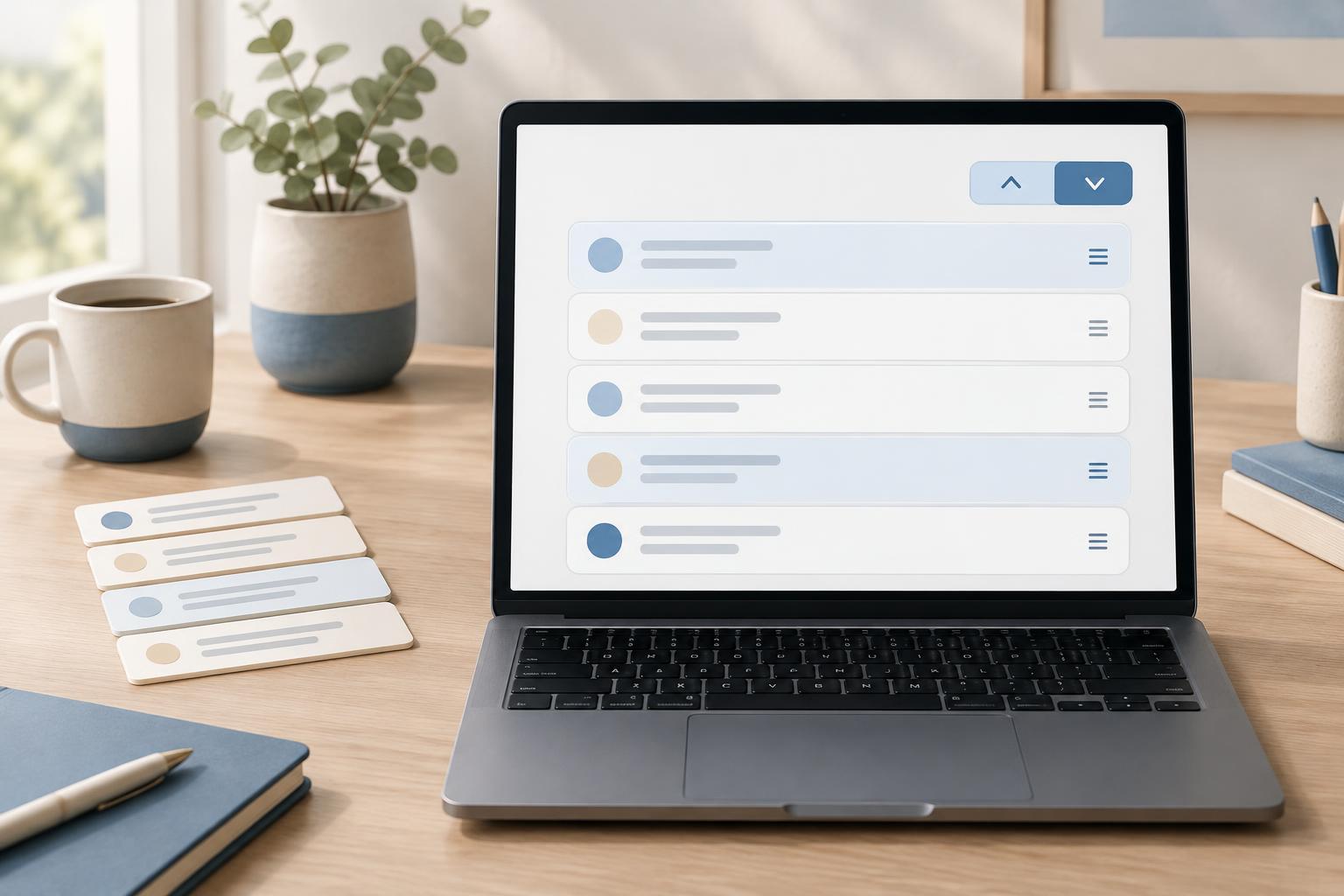
Interface ComponentsA sortable list should make its current direction obvious and keep equal items in a predictable order. Build one with native buttons, an explicit tie-breaker, and a status message that works for sighted and screen-reader users.
Read article · 4 min↗

Interface ComponentsBuild a small paginated list whose controls and URL stay in sync. This browser-console example covers page boundaries, Back and Forward navigation, and a few accessible defaults.
Read article · 4 min↗

Interface ComponentsCreate a small, dependency-free autocomplete that filters suggestions as someone types. This example covers the input and listbox relationship, arrow-key navigation, selection, pointer interaction, and practical checks for accessible behavior.
Read article · 4 min↗

Interface ComponentsA small carousel does not need a timer. Build one with native buttons, predictable boundaries, a visible position indicator, and slides that stay put until a visitor chooses to move.
Read article · 4 min↗

Interface ComponentsTooltips and popovers both reveal extra information, but they serve different tasks. Learn when a brief, noninteractive tooltip is enough, when a popover is a better fit, and how to make either pattern usable with a keyboard and assistive technology.
Read article · 4 min↗

Interface ComponentsA responsive menu needs more than a mobile layout. Learn how to use one set of links, a real toggle button, predictable focus behavior, and a small amount of JavaScript to make navigation usable across input methods.
Read article · 4 min↗

Interface ComponentsBuild a small JavaScript tab component in which each tab controls one panel. This example covers the relationship between tabs and panels, keyboard navigation, focus, and the state changes that keep the interface coordinated.
Read article · 4 min↗

Interface ComponentsA practical pattern for expandable sections that uses native buttons, clear focus behavior and a small amount of JavaScript. Build a multi-open accordion and test it with both keyboard and pointer input.
Read article · 4 min↗
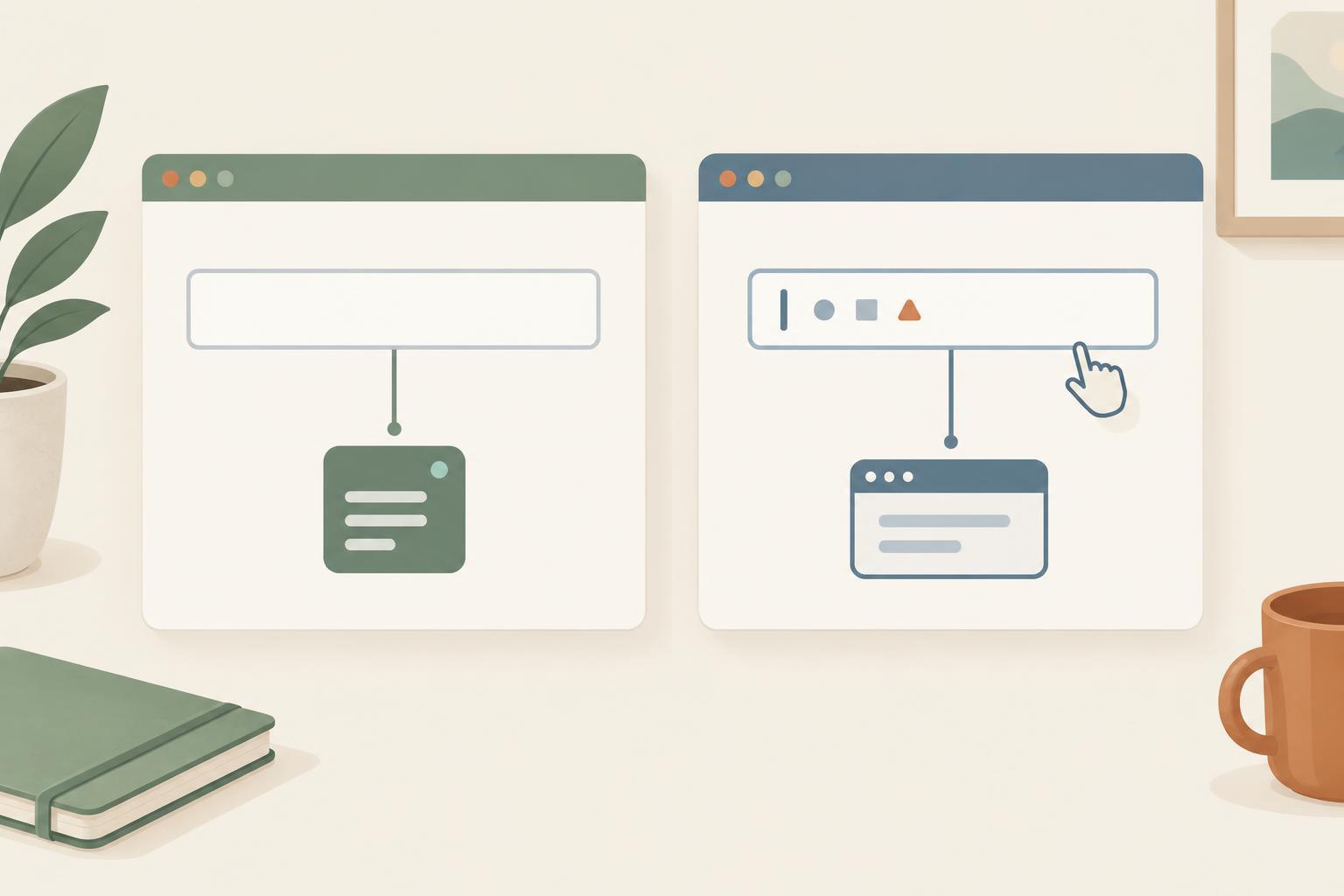
Interface ComponentsA text field can hold its own value in the browser, or a component can keep that value in state. Learn how each approach works, when to choose one, and how to avoid common mistakes with defaults, resets, validation, and file inputs.
Read article · 4 min↗

Interface ComponentsA component with too many flags and modes becomes hard to understand. Learn how to separate shared behavior from page-specific composition, with a small browser example and practical tests.
Read article · 4 min↗

Interface ComponentsKeep component CSS predictable by using a root class for ownership, classes for variants, and custom properties for values that should change. This guide builds a reusable notice component and explains how to avoid accidental styling across a page.
Read article · 4 min↗
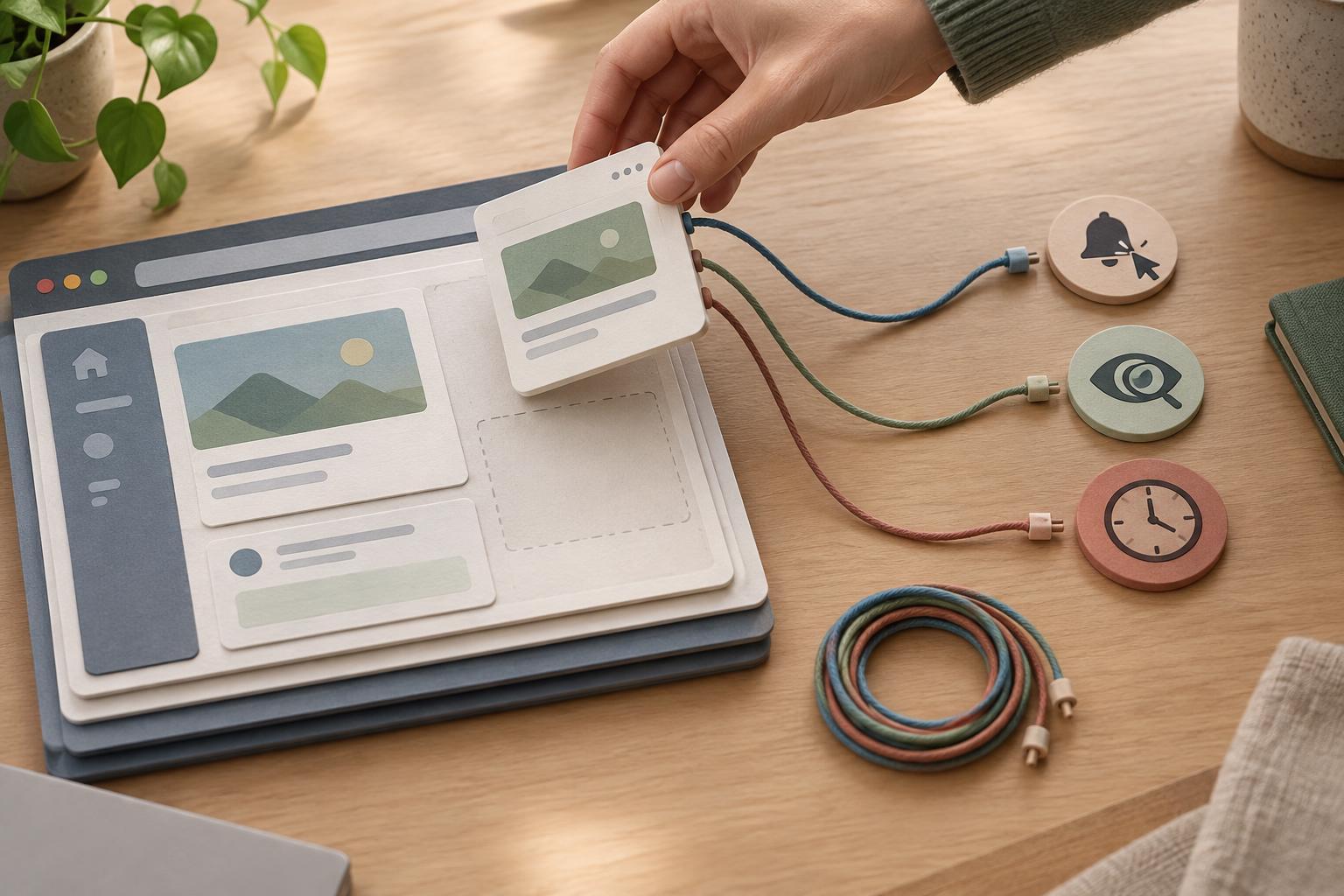
Interface ComponentsA component can disappear from the page while its callbacks keep running. Learn how to give each listener, observer, and timer a clear owner and stop it when the component is removed.
Read article · 4 min↗

Interface ComponentsA practical approach to component state: store only what the interface cannot derive, render the DOM from that state, and route changes through clear event handlers. Includes a small browser example and guidance for inputs, asynchronous work, and testing.
Read article · 4 min↗
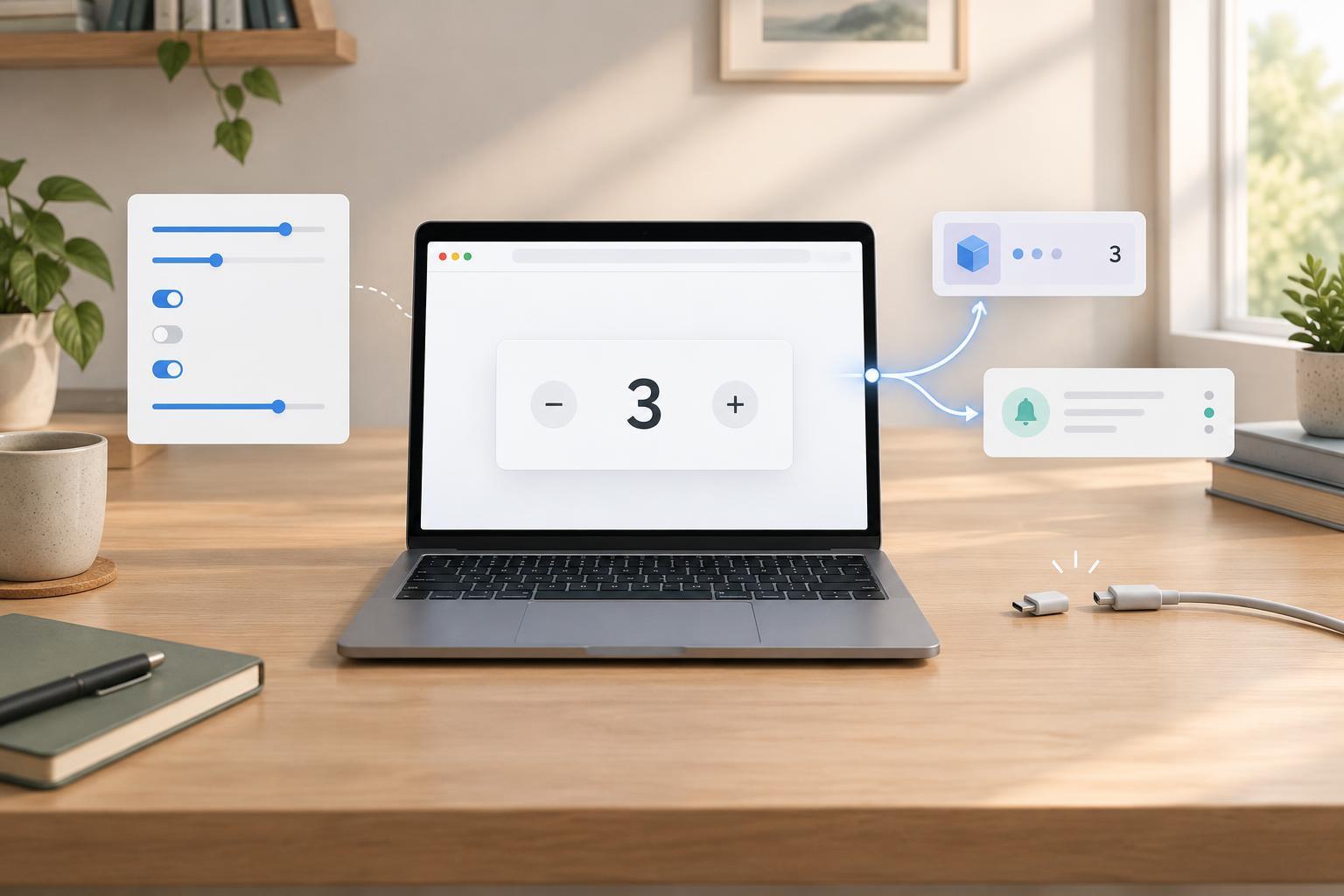
Interface ComponentsBuild a small counter component that accepts options, reports changes through a custom event, and cleans up its browser event listener. The example shows how to keep configuration, state, and communication separate.
Read article · 4 min↗

Interface ComponentsReusable components are easier to build and maintain when each one has a clear job and owns a defined part of the DOM. Learn how to separate configuration from state, handle events within a component boundary, and clean up when a component is removed.
Read article · 4 min↗