What a skip link does
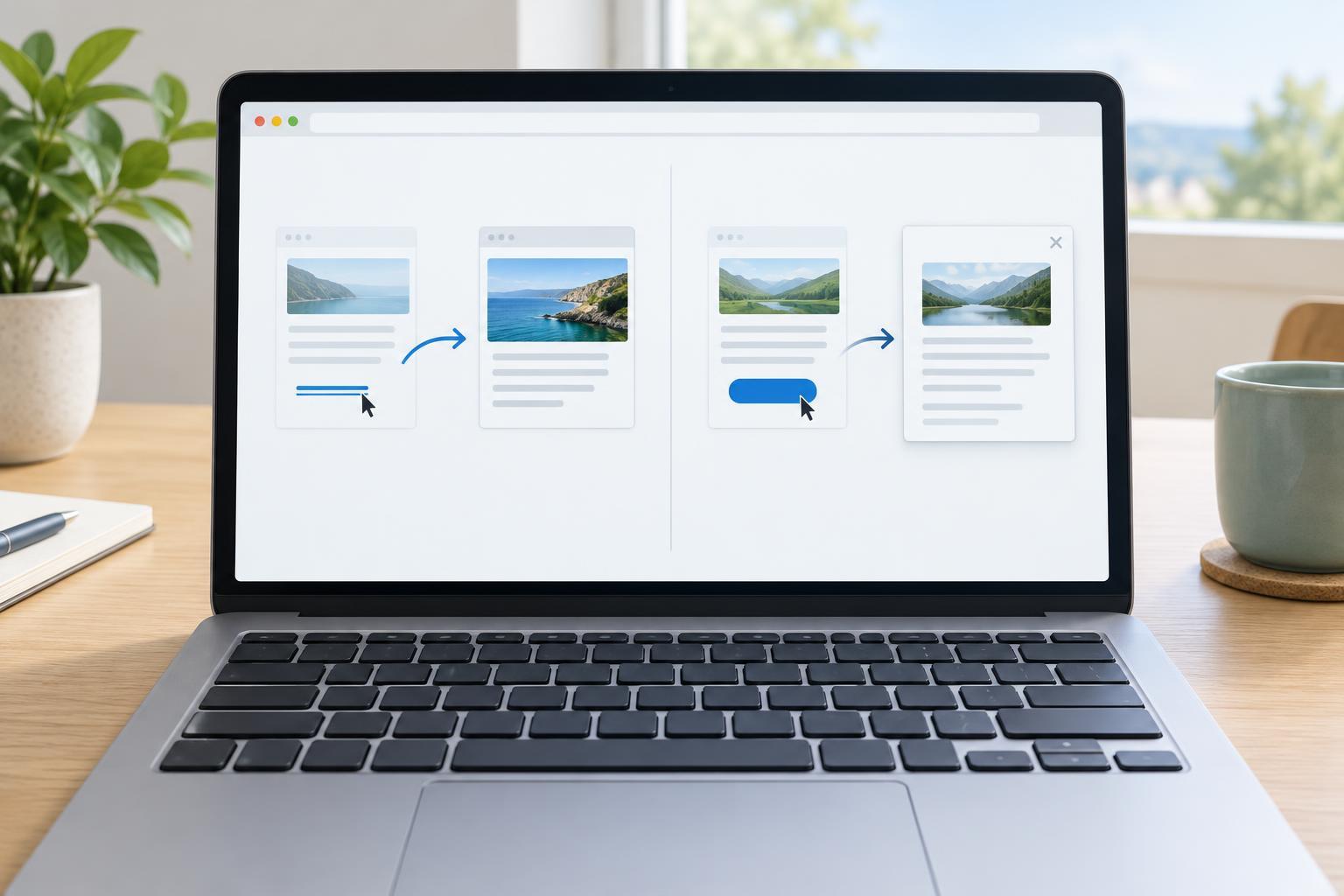
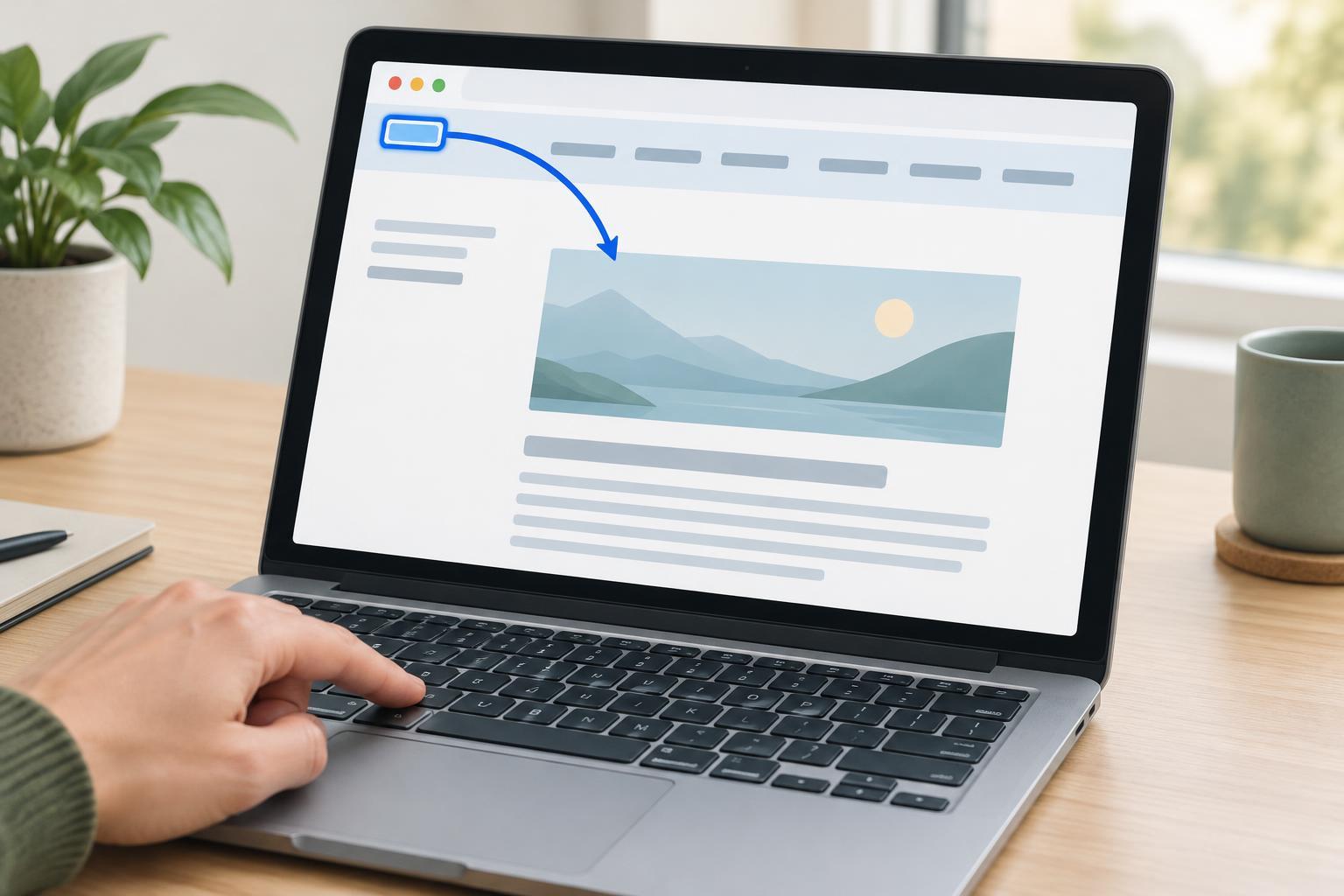
A keyboard user commonly moves through a page by pressing Tab. On a site with a large header, search field, account controls, and several navigation links, reaching the article may take many key presses. A skip link offers an earlier choice: activate one link to move directly to the main content. It does not replace navigation; it makes repeated navigation optional for someone who has already encountered it.
A skip link is especially useful when pages share the same header. Its destination should be the beginning of the page’s primary content, not a point halfway through an article. Keep its label direct, such as “Skip to main content.” The words should tell users where the link goes rather than describe a technical action.
Place a real link before the repeated controls
For a plain document in a modern browser, place the skip link near the start of the page, before the header’s interactive controls. Give the main content container a unique identifier, such as main-content, and set the link’s destination to the matching fragment, #main-content. Activating that ordinary link asks the browser to move to the identified part of the same page. The link and its destination must both exist in the rendered document.
Use a main landmark for the primary content so it is also recognizable to assistive technology. On a typical page, there should be one primary main landmark; a separate sidebar or footer does not belong inside it merely to make the skip destination broader. If your layout has a persistent toolbar above the article, decide whether users should land before or after it by considering what they actually need to bypass.
The destination may also need a tabindex value of -1. This allows a normally non-interactive container to receive focus without adding it to the regular Tab sequence. It is a useful way to make the landing point explicit, though fragment navigation and focus behavior can vary across browser and assistive-technology combinations. Prefer the native link first, then check what happens in the environments your site supports.
Make the link easy to discover on focus
A common design keeps the skip link out of the visual layout until it receives keyboard focus. That is reasonable only if it remains focusable and becomes plainly visible when focused. Do not hide it with a technique that removes it from keyboard navigation, such as setting its display to none. Instead, position it outside the visible area in its resting state and bring it into view on focus.
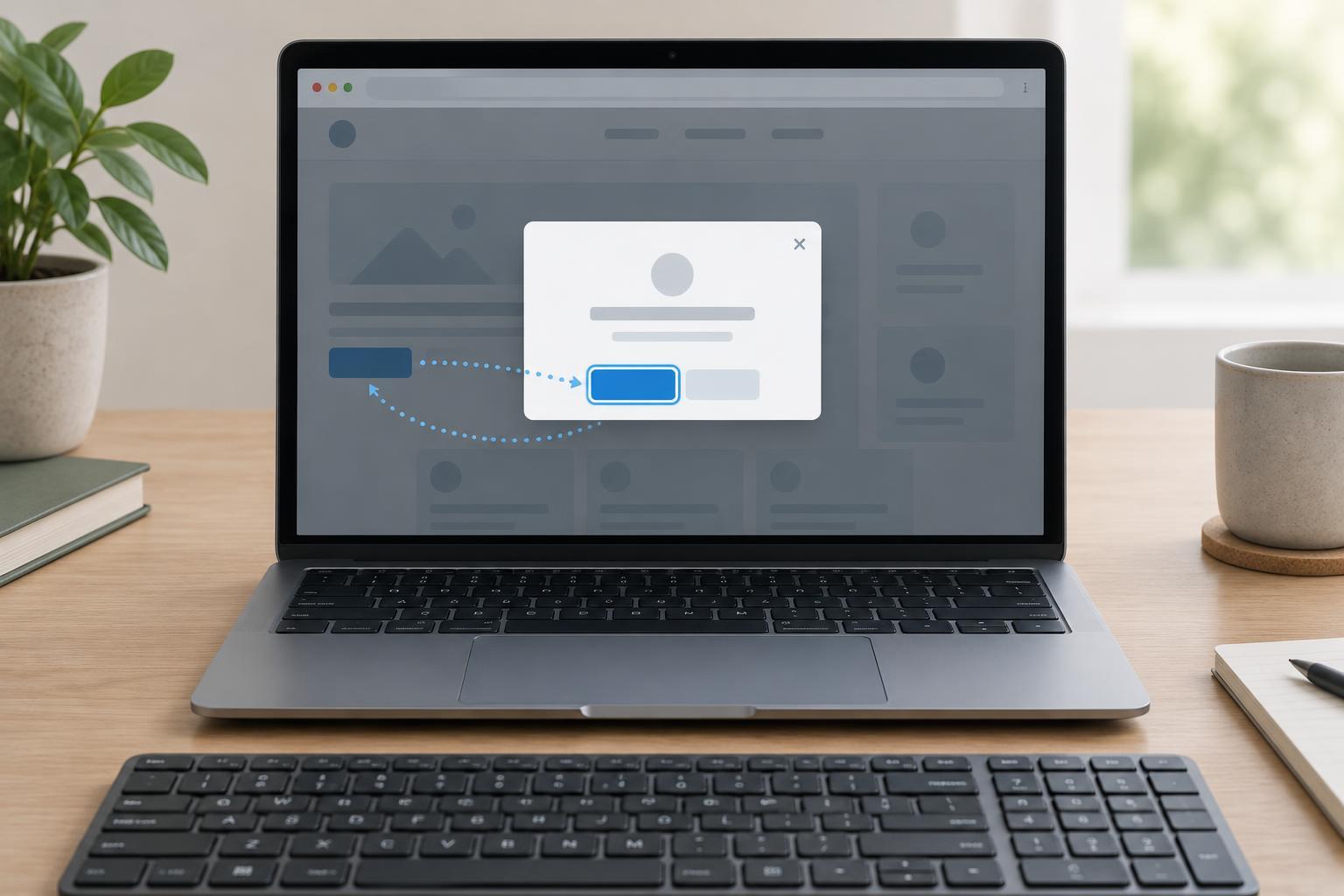
When revealed, the link needs a readable label, sufficient contrast against its background, and a clear focus indicator. Put it above overlapping headers or other positioned elements so it is not technically visible but covered. Leave enough space around it to read and activate it comfortably. The focus style should not depend on a hover state: someone pressing Tab may never use a pointer.
A sticky header can obscure the destination after the page scrolls. If that happens, adjust the destination’s scroll spacing or the layout so the beginning of the content remains visible. The goal is not simply to change the URL fragment; users should be able to tell where they arrived.
Test the full keyboard journey
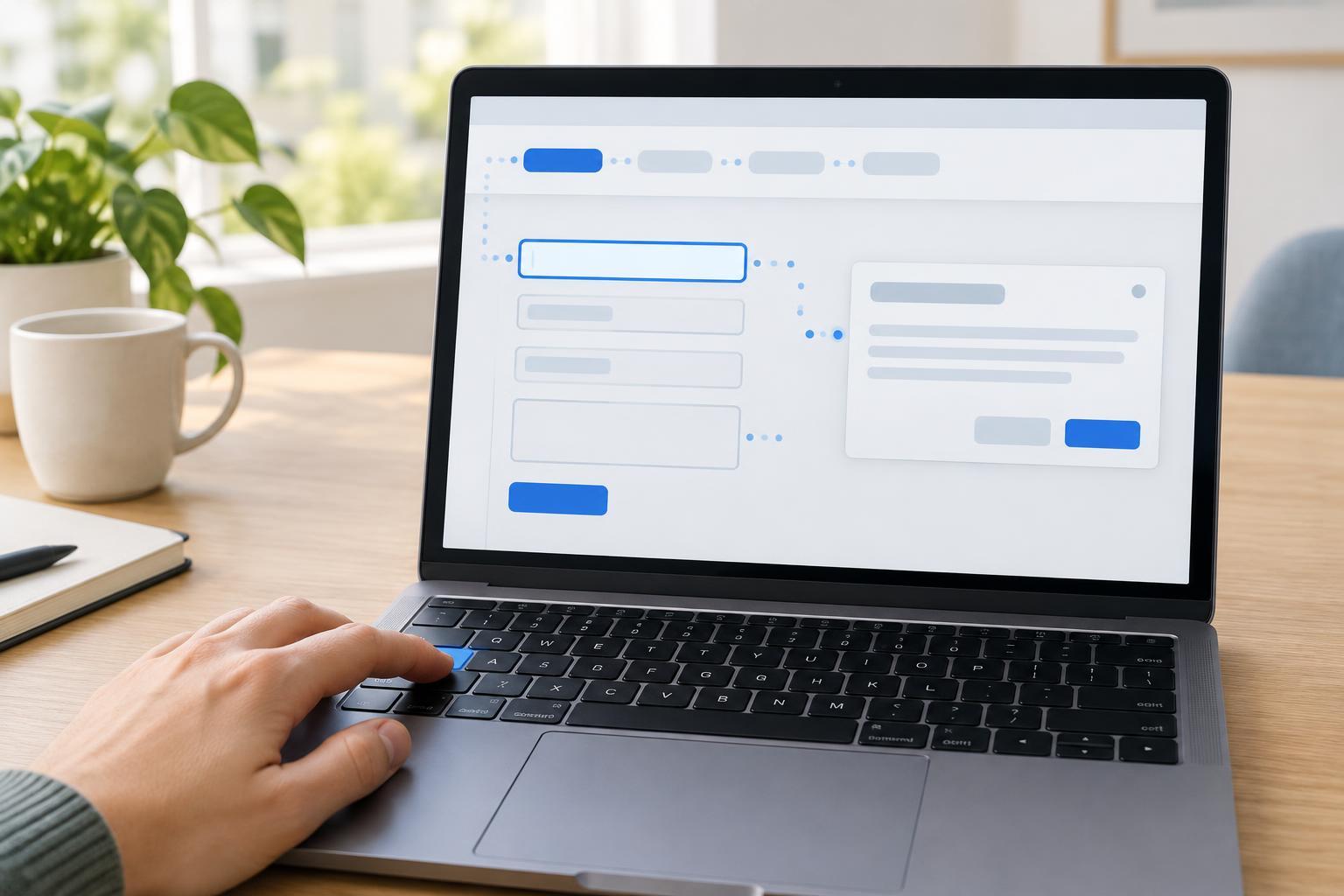
Test in a browser with the keyboard, starting from the top of a fresh page. Press Tab once and check whether the skip link is the first useful control to receive focus. Confirm that it is visible and legible. Press Enter and check that the main content appears in view. Then press Tab again: focus should continue into content controls, if any, rather than returning to the header’s navigation. Also try Shift+Tab to see whether moving backward behaves sensibly.
Repeat that check on a few page types, including a short page and a page with a long navigation menu. If the site changes pages without a full document load, test those transitions too. Client-side routing, fragment handling, or a layout that renders the destination late can change the result. Avoid adding a script to force focus until you have identified a specific failure that native navigation does not solve.
Finally, inspect the destination itself. Its identifier must be unique, and it must not be inside a collapsed section that stays closed after activation. If the main container can receive focus, give it an appropriate visible focus treatment or ensure its position and heading make the arrival obvious. A skip link succeeds when it saves effort and leaves the user oriented, not merely when clicking it produces a scroll.