Start with what the media communicates
Accessible media support depends on where the information lives. A recorded talk may convey almost everything through speech. A product demonstration may rely on silent actions shown on screen. A podcast has no picture but still needs a way to access its words without listening. Before choosing a format, list what someone would miss if they could not hear the audio, see the image, or play the media at all.
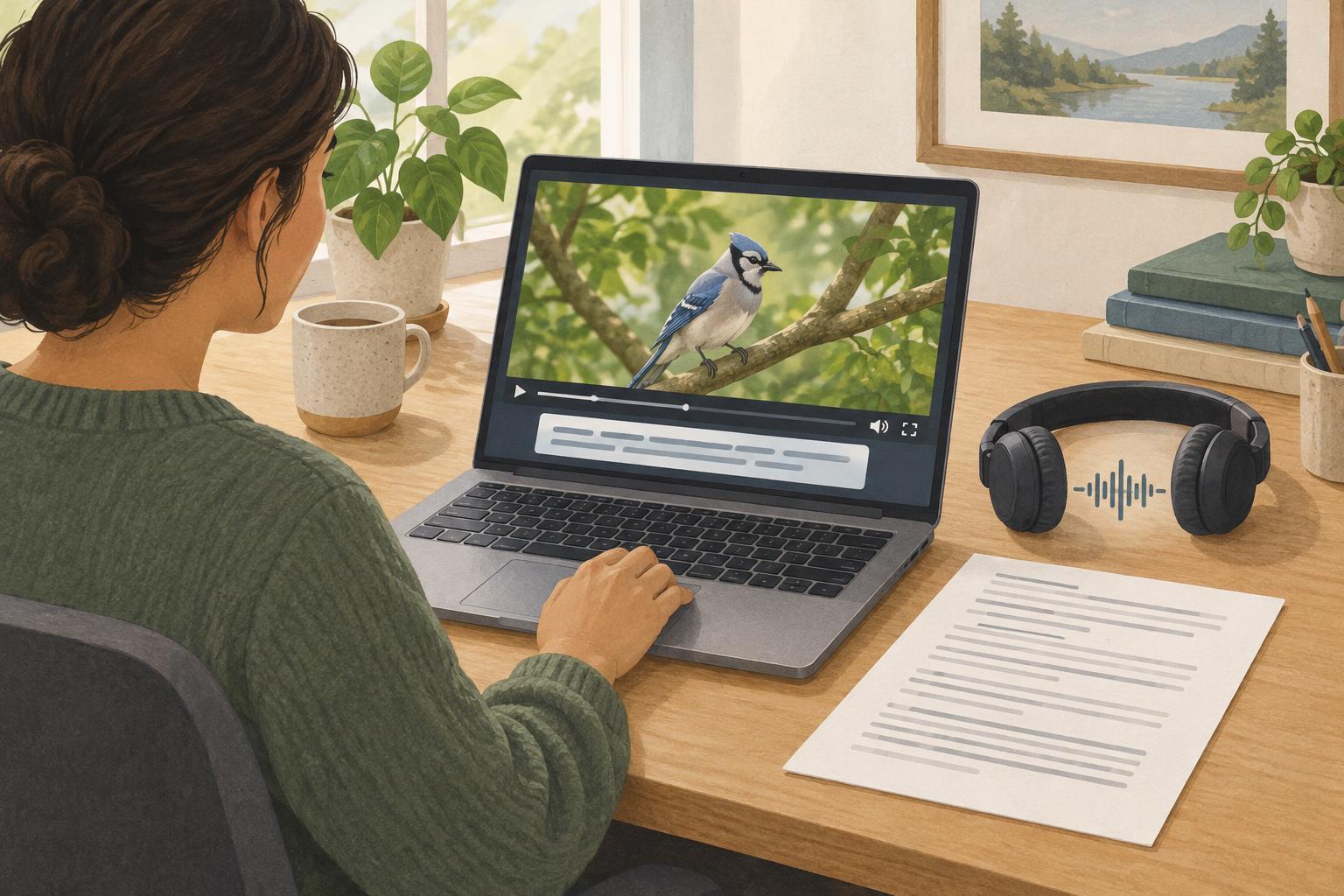
Captions present speech and relevant sounds in sync with video. A transcript presents audio content as text that someone can read or search at their own pace. Audio description speaks important visual information that the original soundtrack does not explain. These formats overlap, but they are not interchangeable: a transcript beside a video does not let someone follow captions at the moment a speaker points to a chart.
Use captions when sound carries meaning in video
For a prerecorded video with speech, captions should follow the spoken words closely enough to preserve meaning and timing. They should also identify speakers when that is not clear from the picture and include meaningful sounds, such as a doorbell that prompts someone to act. Do not fill captions with every background noise; include sounds that help explain the scene.
For a typical web page using the browser’s native video player, a caption track can be supplied as a separate timed text file, commonly in WebVTT format. Check the actual player rather than assuming the file’s presence makes captions usable. Viewers need to discover the caption control, turn captions on, and read them against the video. Automatic speech recognition can provide a starting point, but names, technical terms, punctuation, speaker changes, and timing need review.
Add a transcript people can use independently
A transcript is especially useful for audio-only material. It also helps video viewers who prefer reading, need to find a particular step, or cannot conveniently play media. Put a clearly labeled link or expandable transcript close to the player. Make the text selectable, readable in a normal page layout, and available without requiring someone to start playback.
For a simple interview, a useful transcript may consist of speaker names and their words, with short notes for meaningful sounds. For a tutorial video, a transcript may need brief descriptions of visible steps: for example, that the presenter opens the settings panel before changing an option. A raw caption file is not always a good transcript. Timed fragments can be awkward to read, and they may omit visual context needed to understand the lesson.
Describe visuals that the soundtrack leaves out
Audio description matters when essential information appears only in the image. Consider a demonstration in which the narrator says, “Choose this option,” while the pointer moves between similar controls. Someone listening without seeing the screen cannot reliably follow it. The clearest fix, when editing is possible, may be to revise the narration: “Choose Notifications in the left menu.” This benefits everyone and may reduce the need for a separate described version.
When important visuals still cannot fit naturally into the original narration, provide an audio-described version or another usable way to receive that information. Description should cover actions, on-screen text, or changes needed to understand the content, rather than narrating every visual detail. Check what the chosen player and publishing setup can actually offer; support for selecting an audio-description track may differ, so a separately linked described video can be easier to provide and explain.
Publish and test the whole experience
A practical choice for a speech-led podcast is a transcript. For a video interview, provide captions and a transcript. For a silent visual tutorial, provide text that explains the demonstrated steps; captions alone cannot convey actions that have no corresponding audio. For a narrated demonstration with essential unexplained visuals, add description or revise the narration as well. Use the content, not its file type alone, to make the decision.
Test the published page in the browsers and devices your team supports, using the actual media player. With a keyboard, find the player, start and pause it, and locate any caption or version controls. Watch with sound off to check captions, then listen without looking to identify missing visual information. Read the transcript on its own and confirm that links to alternate versions are named clearly. Recheck these materials whenever the media is edited: even a small cut can leave captions out of sync or a transcript describing a step that no longer appears.