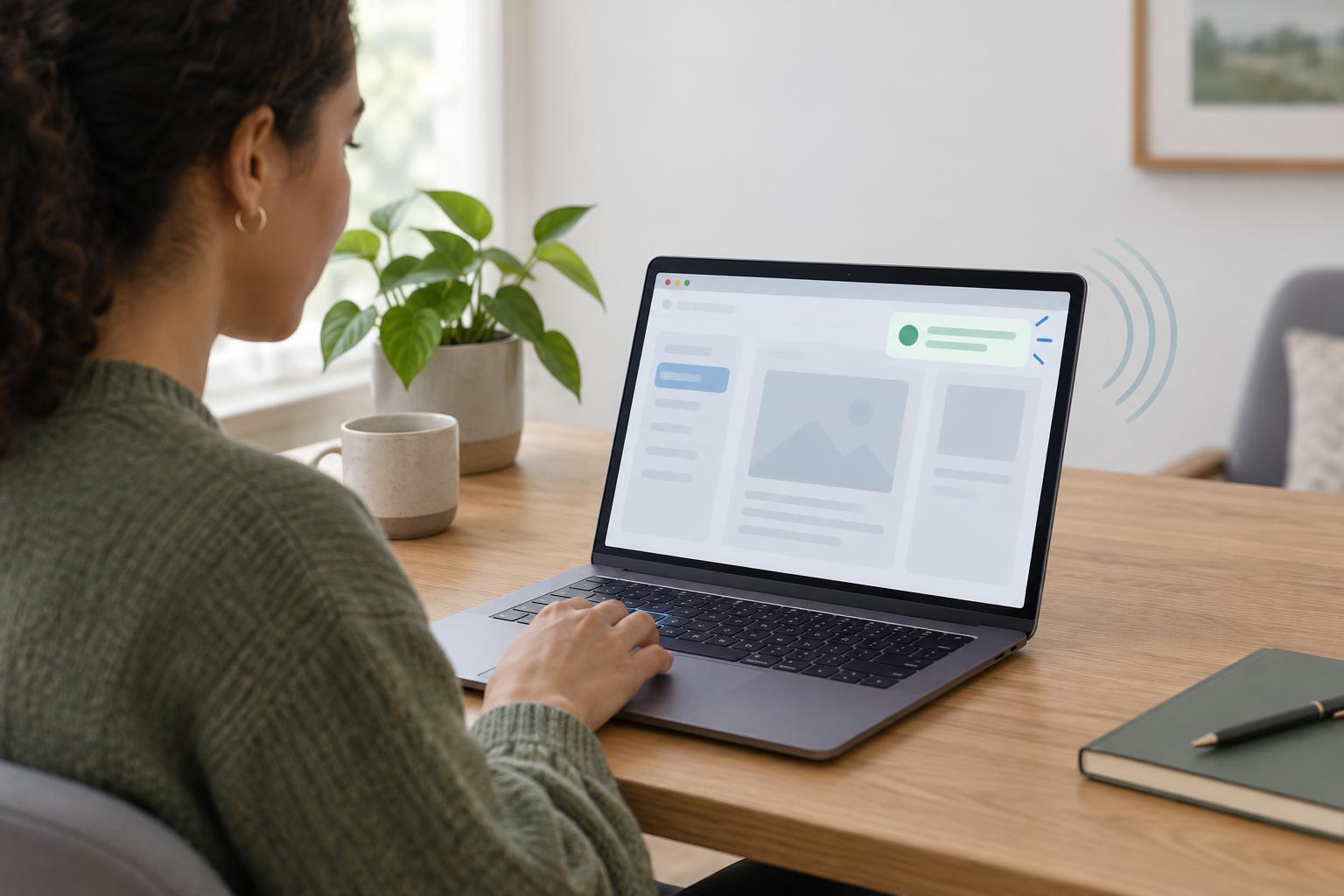
Accessible FrontendsA page can change without moving keyboard focus or reloading. Learn when ARIA live regions help, how to announce updates without overwhelming people, and how to test the result in a simple browser example.
Read article · 4 min↗

Accessible FrontendsMotion can help explain an interface, but it can also distract or cause discomfort. Learn how to use CSS and browser APIs to respect reduced-motion preferences without hiding content or losing important feedback.
Read article · 4 min↗

Accessible FrontendsCaptions, transcripts, and audio descriptions serve different purposes. Learn how to choose the right combination for videos, podcasts, and other web media, then check that people can find and use it.
Read article · 4 min↗
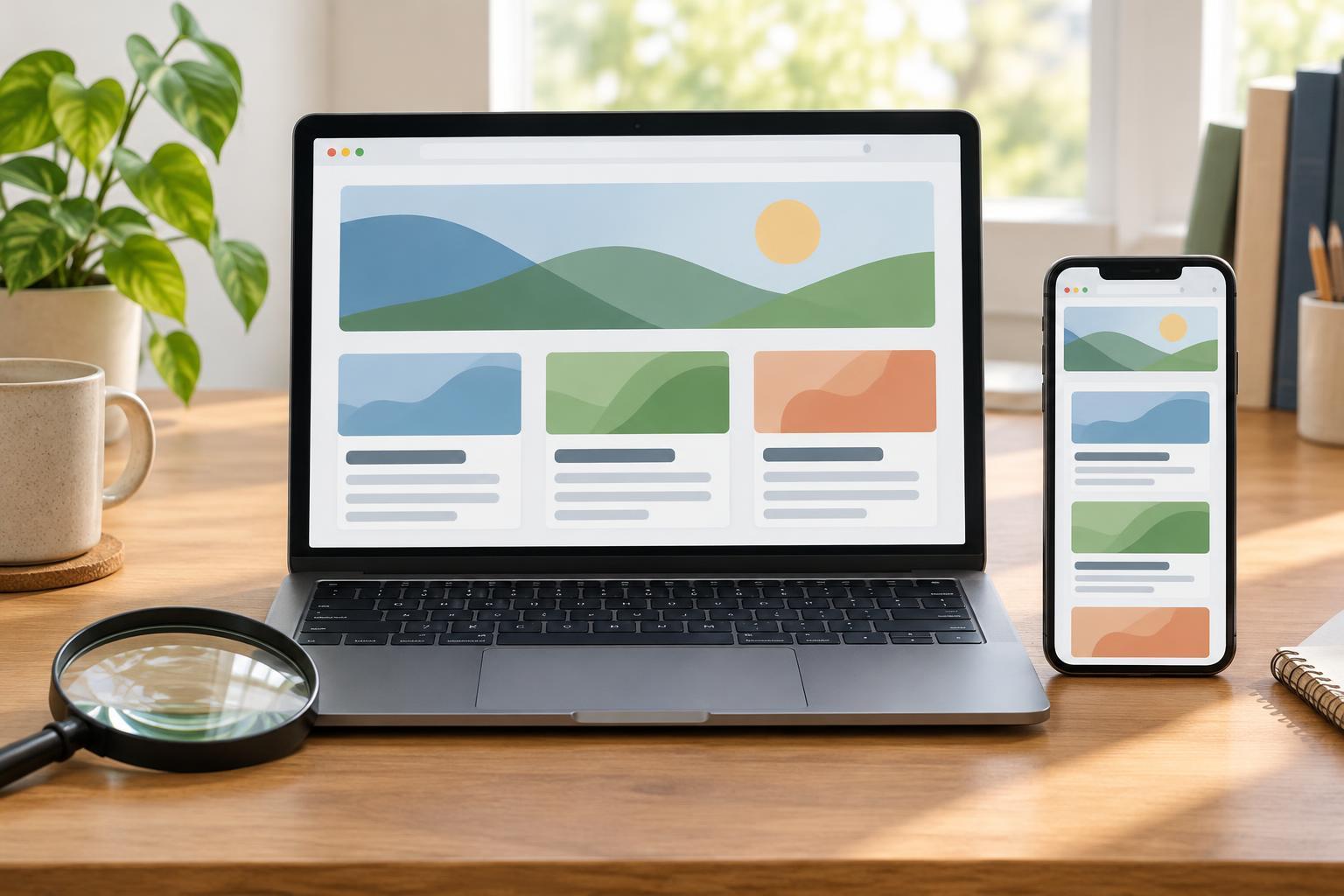
Accessible FrontendsA page can look responsive at a narrow viewport yet break when someone enlarges its text. Learn how to build flexible layouts, protect component content, and test zoom and text resizing in a reproducible browser setup.
Read article · 4 min↗
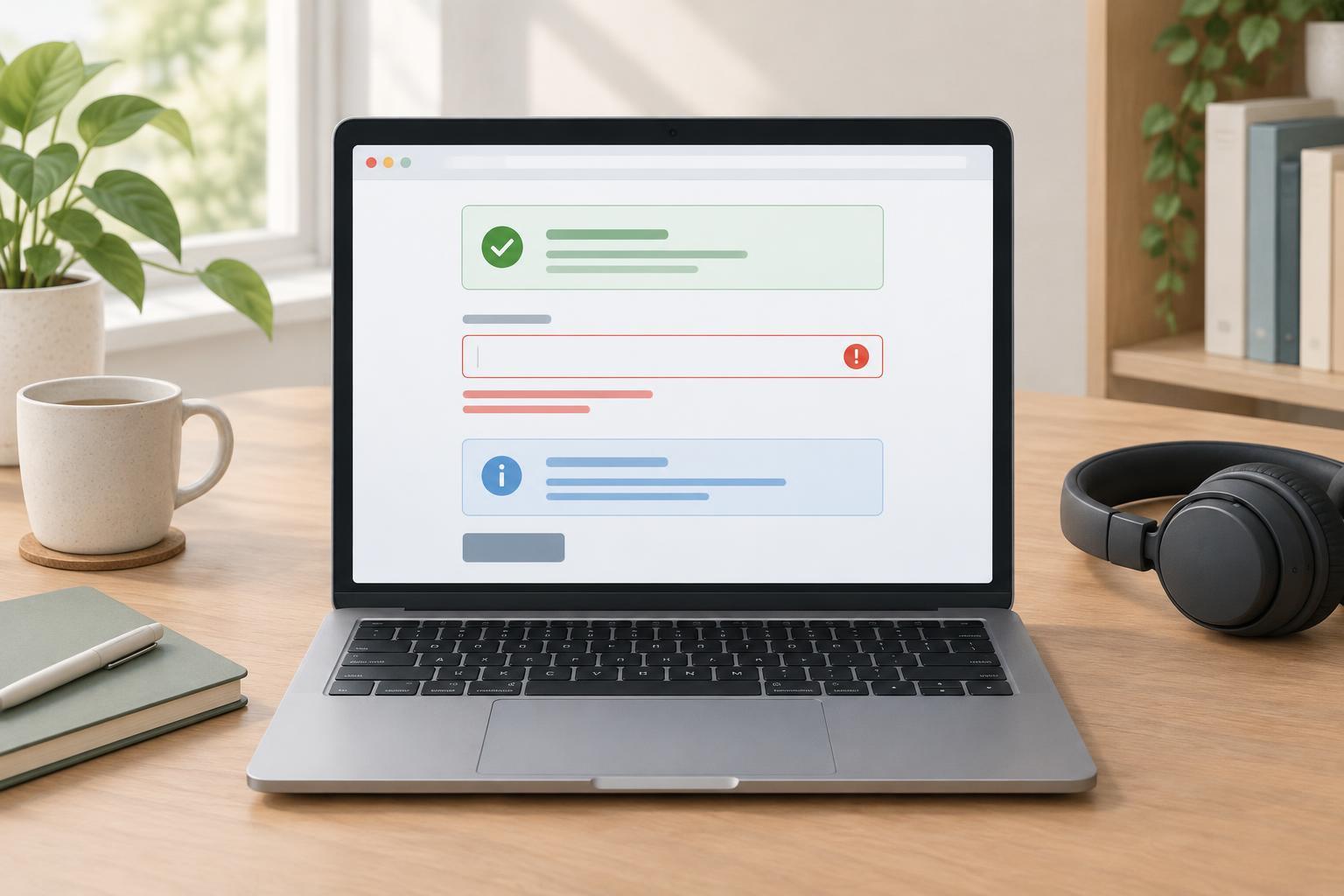
Accessible FrontendsA green banner or red border may look clear, but color should not carry a status message by itself. Learn how to pair color with readable text, useful placement, and appropriate screen-reader announcements.
Read article · 4 min↗

Accessible FrontendsLearn what to compare when checking contrast in a web interface, how text and control requirements differ, and how to test real component states rather than isolated color swatches.
Read article · 4 min↗
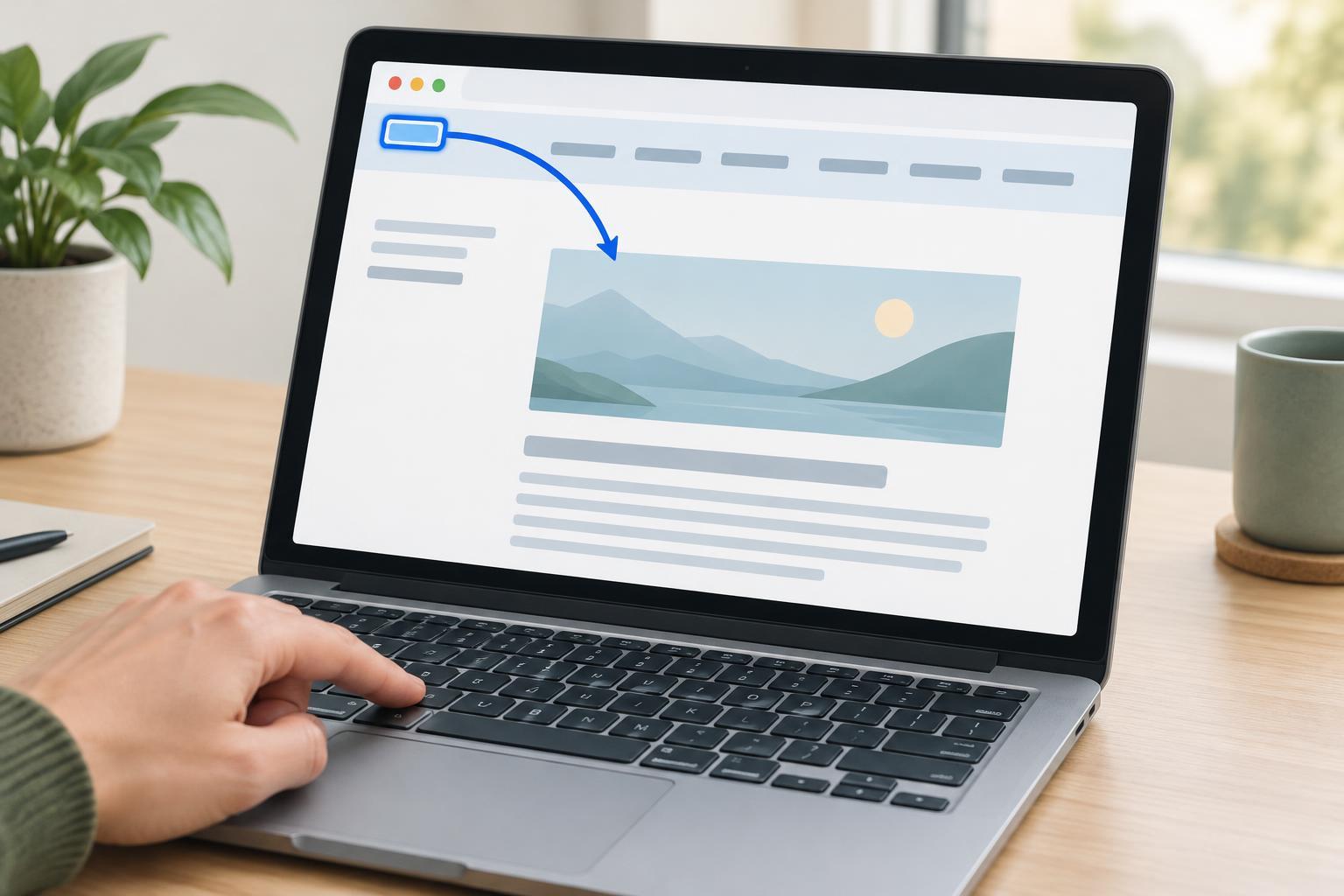
Accessible FrontendsA skip link lets keyboard users move past a repeated header or navigation menu and reach the main content. Learn where to place one, how to make it visible on focus, and how to check that it works.
Read article · 4 min↗
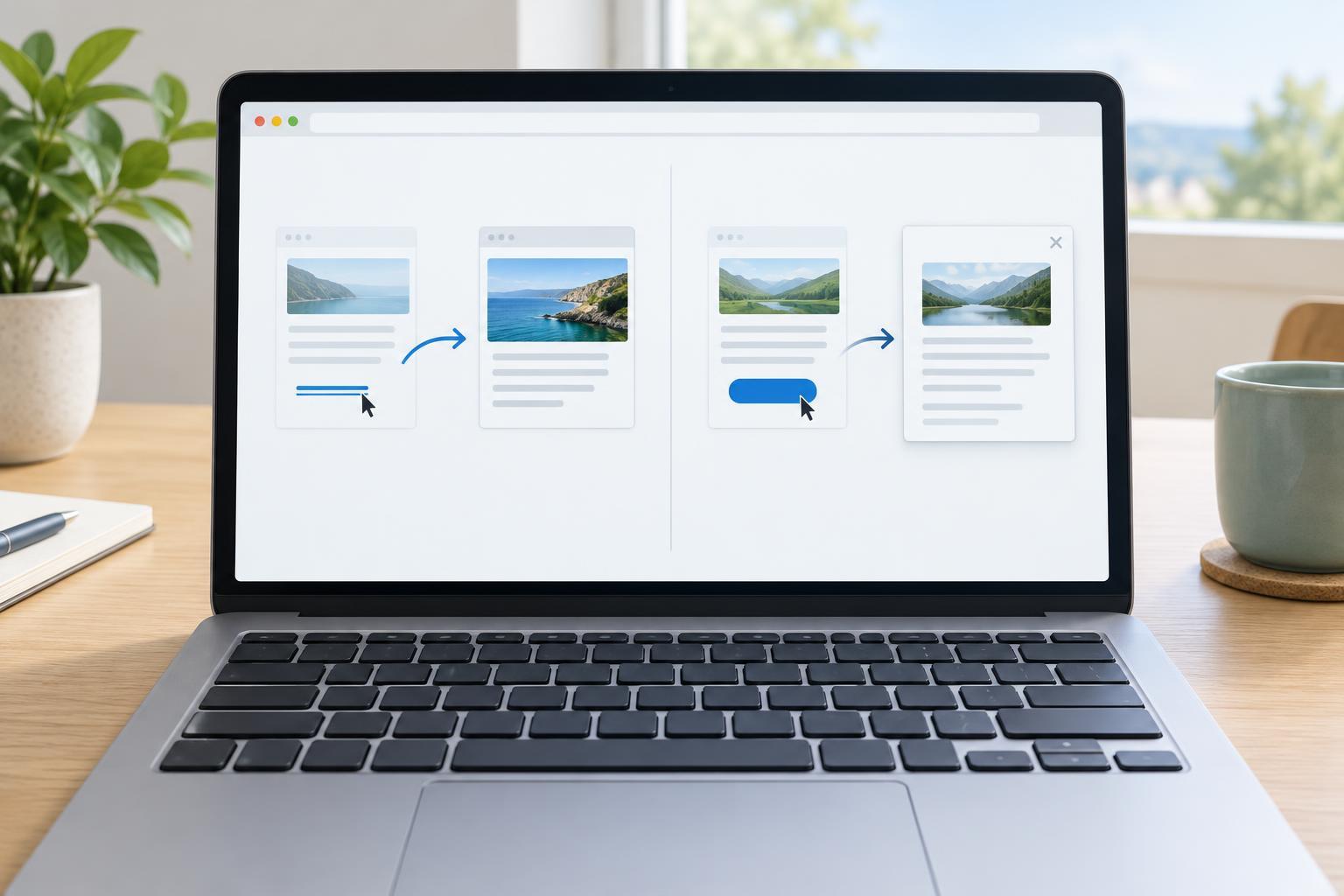
Accessible FrontendsUse a link when someone is going somewhere and a button when they are doing something. Learn how that distinction affects keyboard behavior, forms, client-side routing, disabled states, and accessible testing.
Read article · 4 min↗
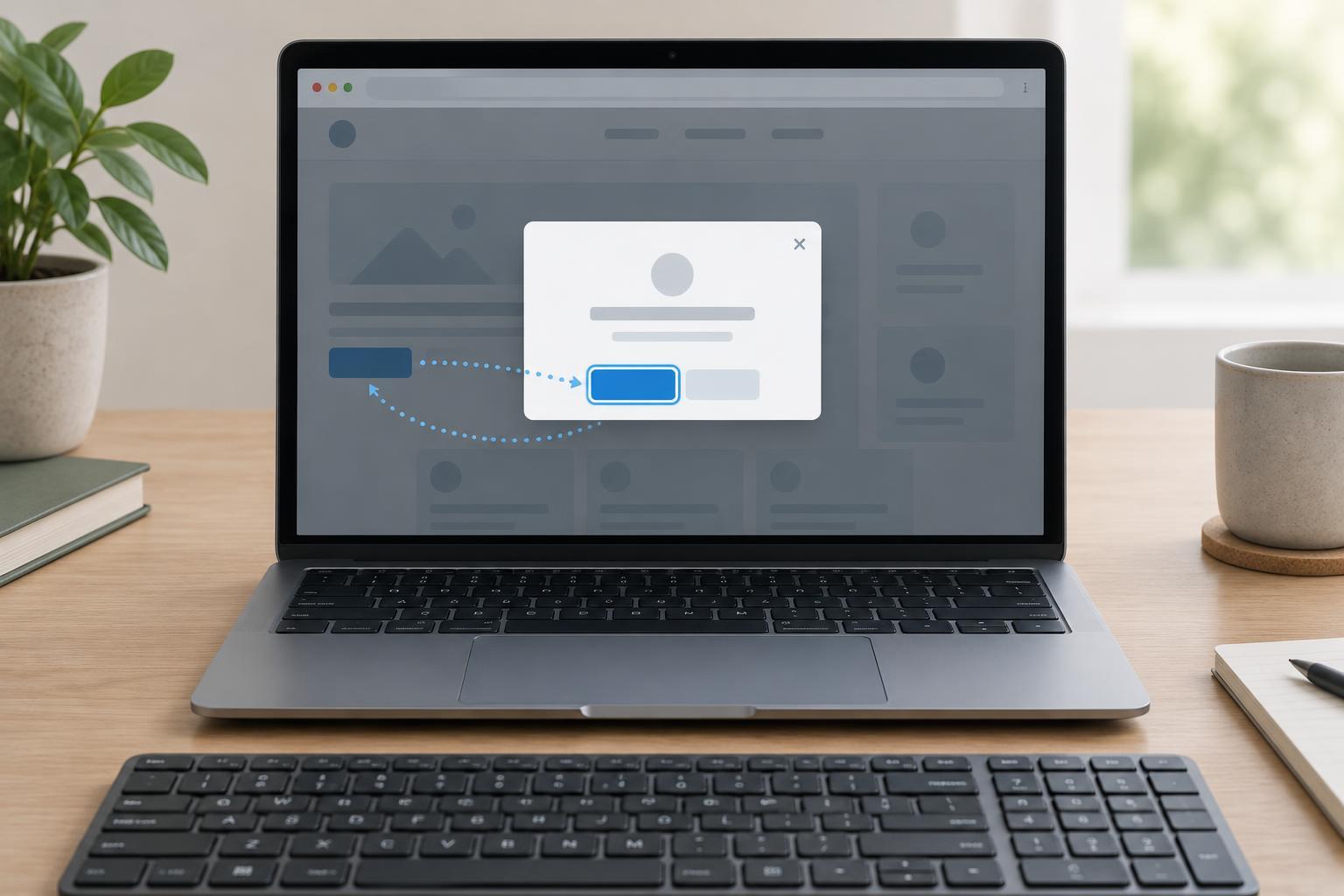
Accessible FrontendsA modal dialog should bring keyboard focus into the dialog, keep the rest of the page unavailable while it is open, and return focus to a sensible place when it closes. Learn a practical approach using the native HTML dialog element and a small amount of JavaScript.
Read article · 4 min↗
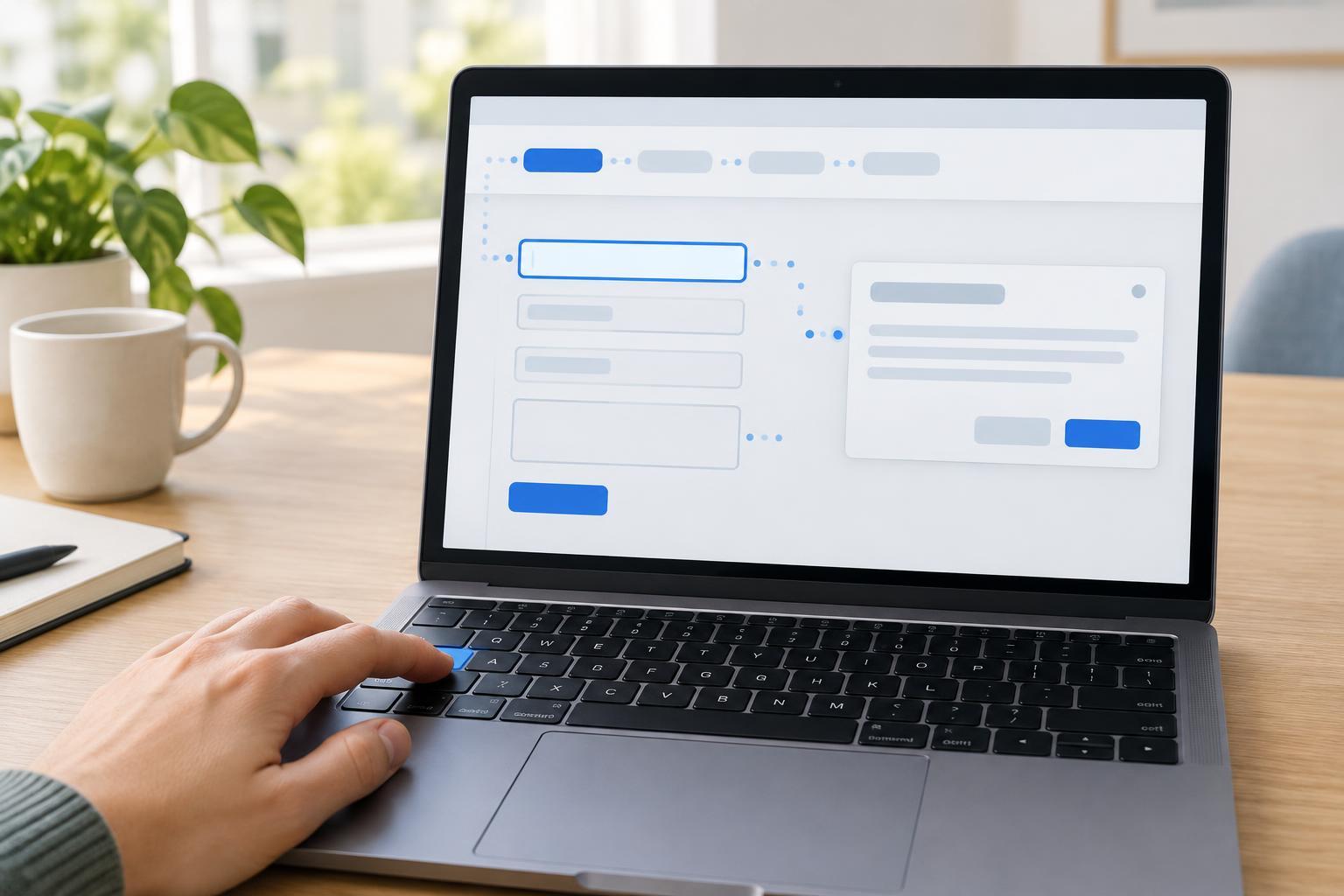
Accessible FrontendsKeyboard navigation is easier to build when you start with the document’s natural order, keep focus visible, and test what happens when an interface changes. Learn a repeatable way to check links, forms, menus, and dialogs without making assumptions about how people navigate.
Read article · 4 min↗
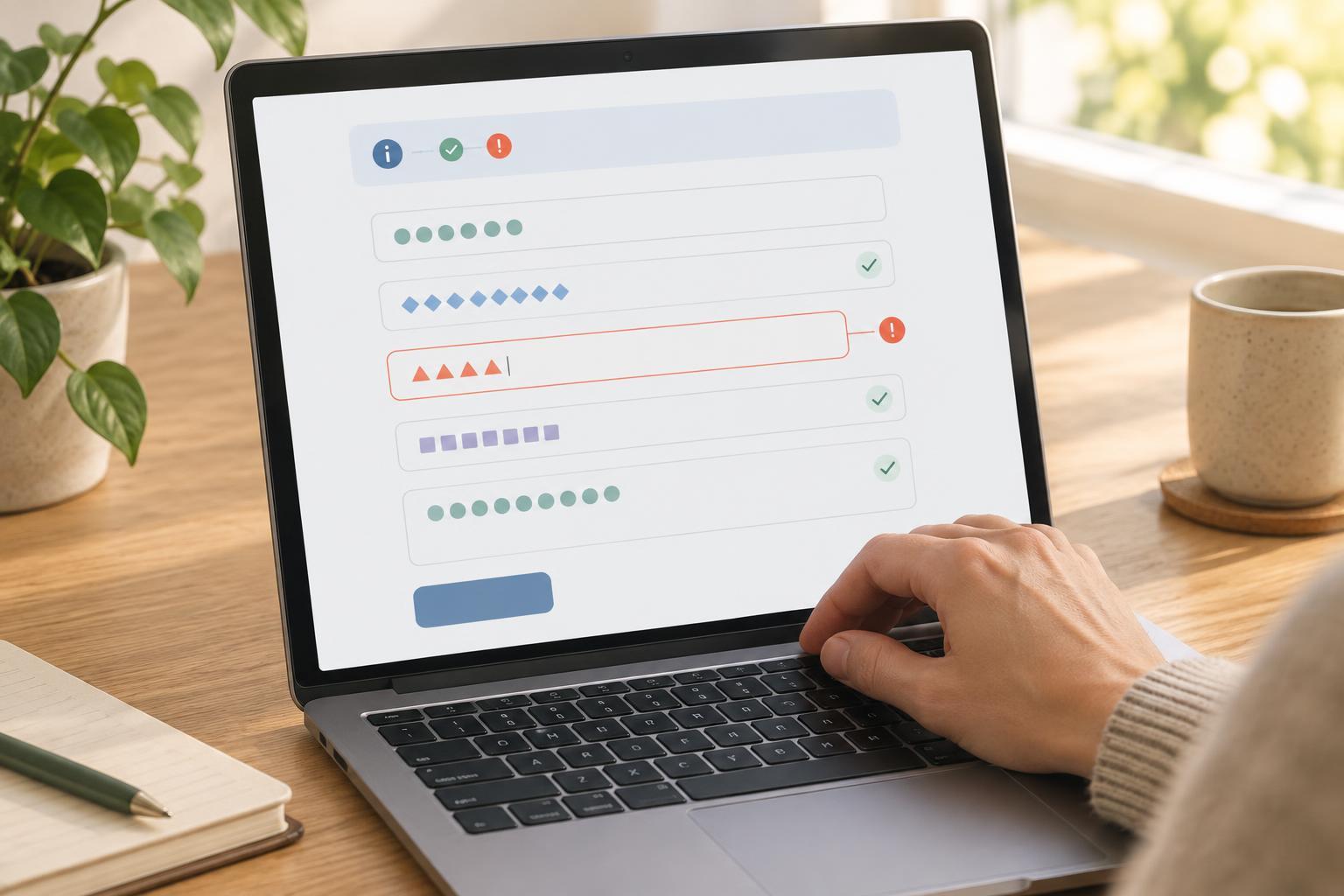
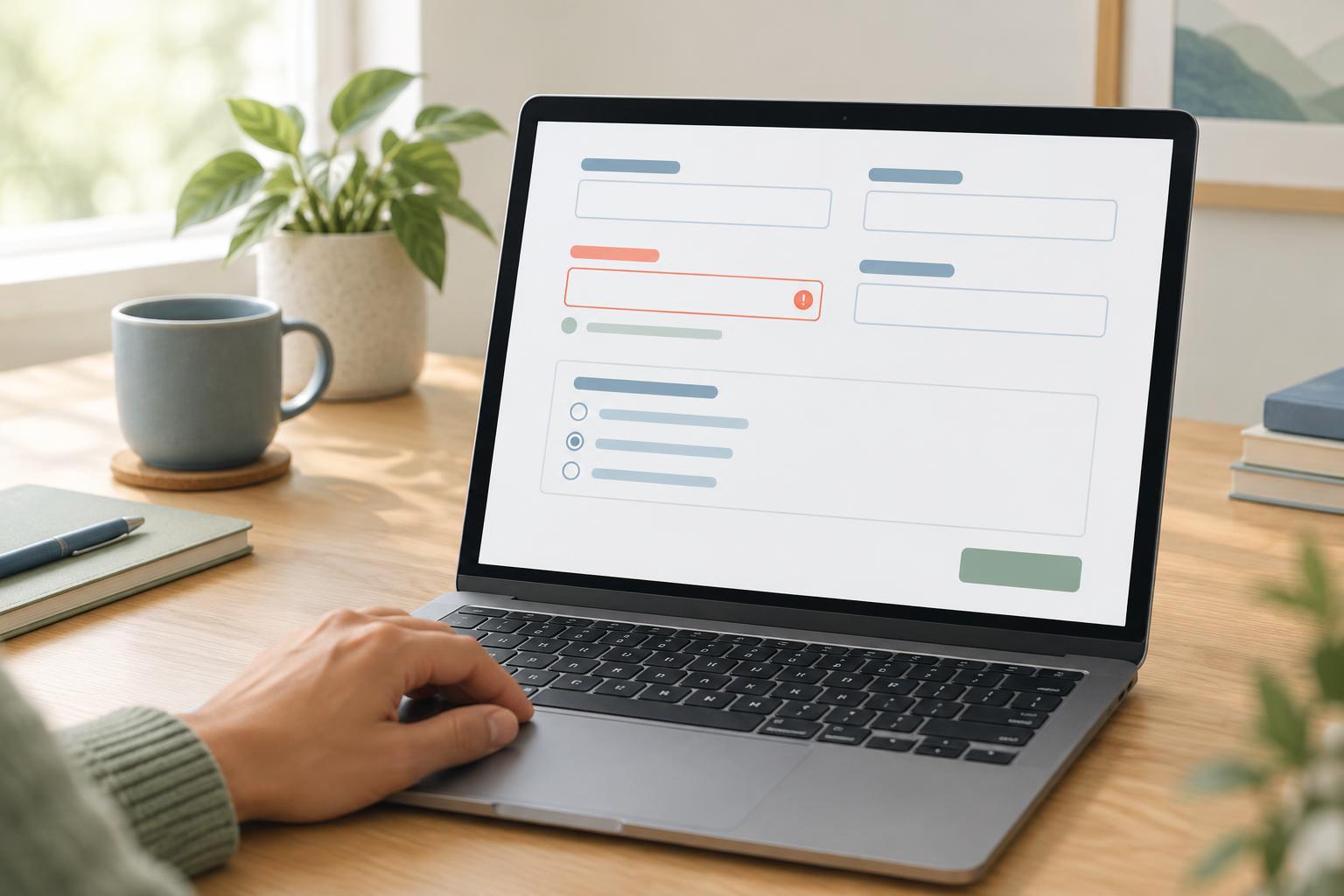
Accessible FrontendsA form is easier to use when each input has a clear name, nearby instructions, and useful feedback. Learn how to label fields, explain formats, group related choices, and connect errors to the inputs they describe.
Read article · 4 min↗

Accessible FrontendsAn image does not need a spoken description simply because it appears on a page. Learn how to decide whether an image is decorative, give decorative HTML images empty alternative text, and check that meaningful content remains available to everyone.
Read article · 3 min↗

Accessible FrontendsAlternative text helps people understand an image when they cannot see it. Learn how to identify an image’s purpose, write concise descriptions that fit the surrounding content, and check your choices in a web interface.
Read article · 4 min↗

Accessible FrontendsA clear page outline helps people scan content, move between sections, and find the main task. Learn how to combine descriptive headings with HTML landmarks, then check the result using keyboard navigation and accessibility tools.
Read article · 4 min↗
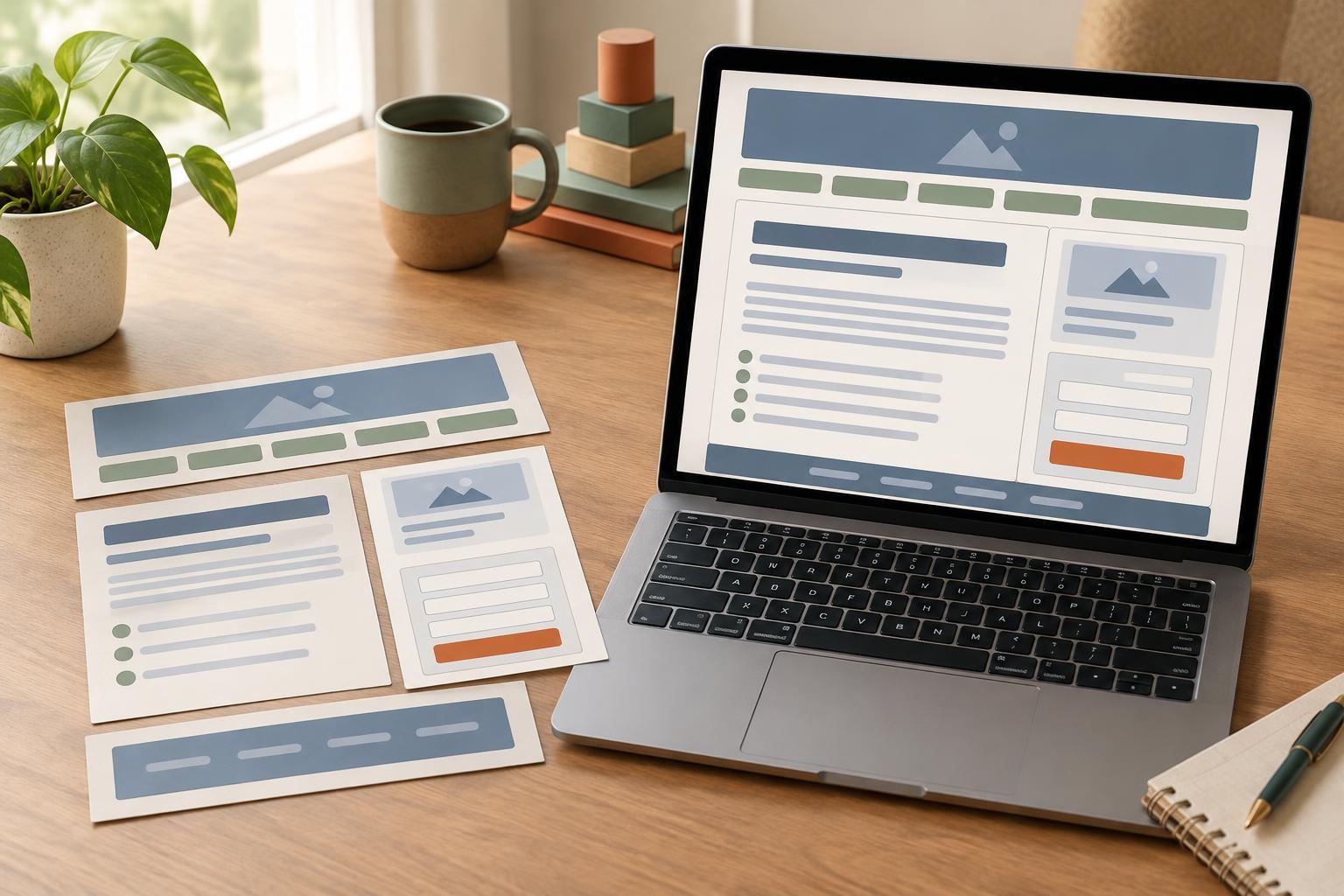
Accessible FrontendsSemantic HTML gives a page a structure that browsers and assistive technologies can interpret. Learn how to choose landmarks, headings, lists, links, buttons, and form controls by the job they do, then check whether the resulting page makes sense without its visual styling.
Read article · 4 min↗