Start with a link that works on its own
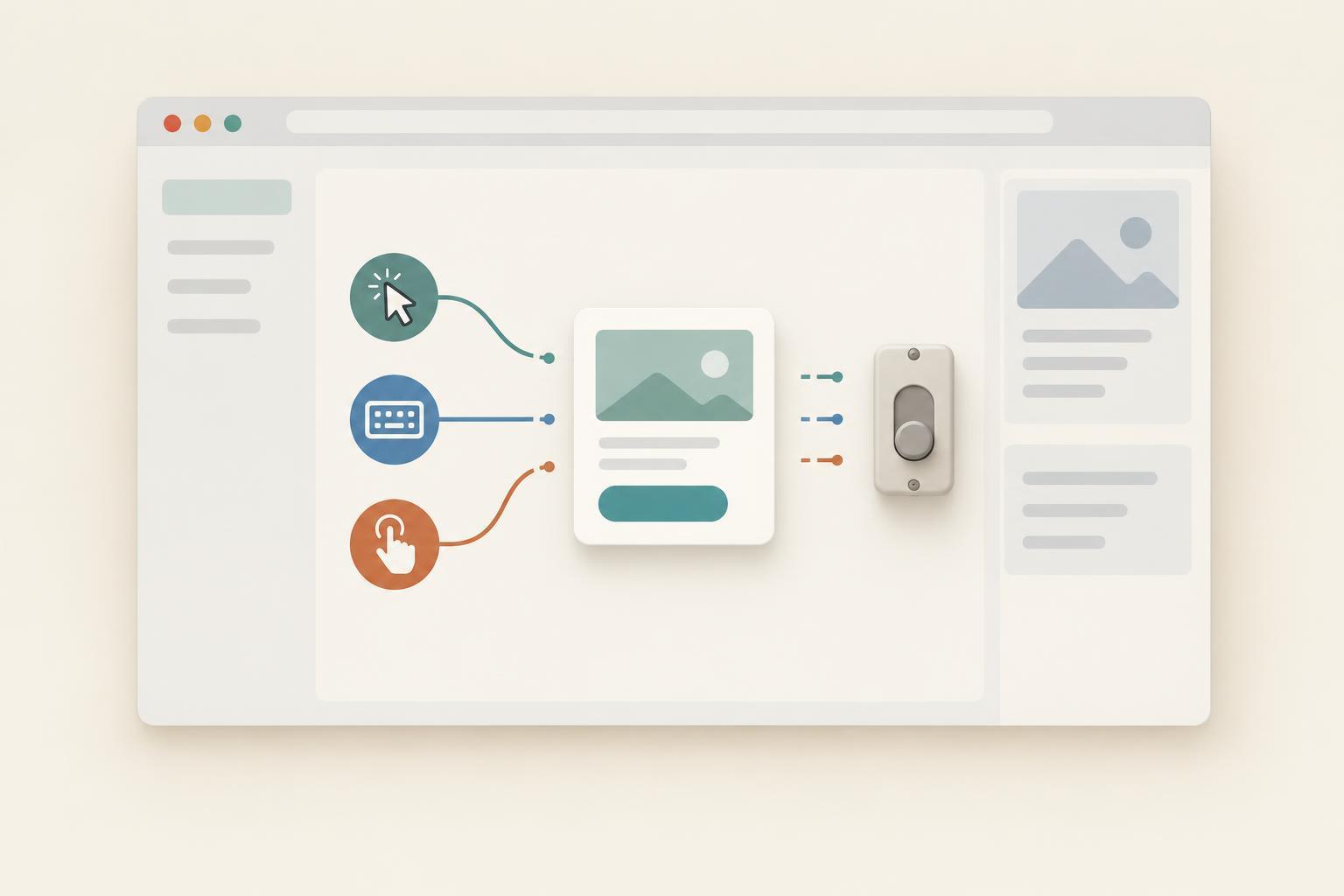
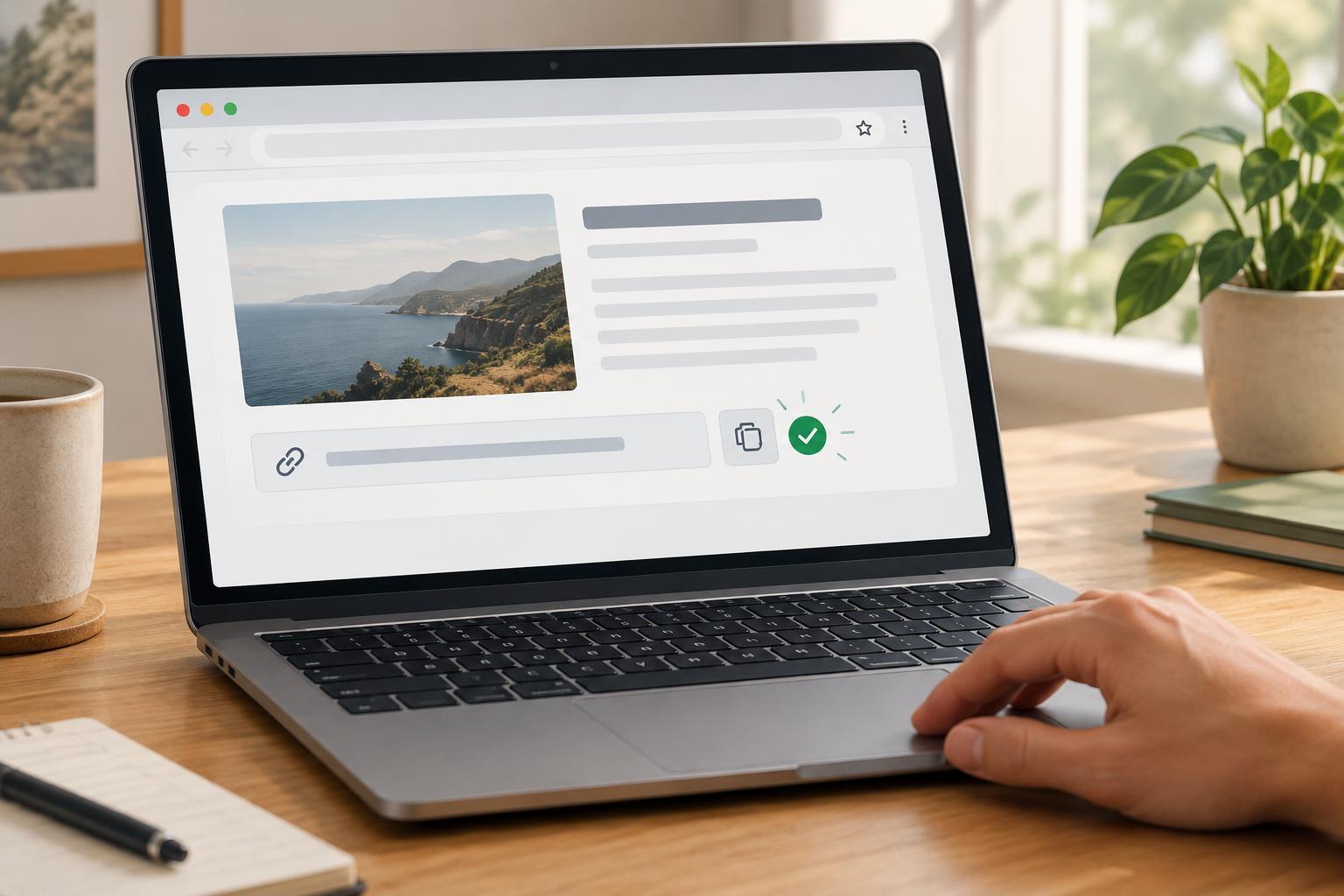
A copy-link button is a convenience, not a replacement for navigation. Start with a normal anchor pointing to the destination. Place a button beside it, labeled “Copy link,” and add a nearby, initially empty text element for feedback. If JavaScript does not run, visitors can still open the link or copy its address through their browser.
Give the anchor, button, and feedback element stable identifiers so the component can find them. The feedback element should have a status role and polite live announcement behavior; it should remain in the document even when its text is empty. This lets an assistive technology announce a result without moving keyboard focus away from the button. Avoid putting the result only in a tooltip, color change, or temporary button-label change.
Use the anchor’s resolved href as the value to copy rather than maintaining a second address in JavaScript. That keeps navigation and copying aligned when the destination changes. For a sample destination to try while building the component, browse Tactics Explained · Football Culture Journal; the link should remain navigable independently of its copy button.
Report success after the clipboard write
The example below assumes a button with the identifier copy-link, an anchor with the identifier destination, and a feedback element with the identifier copy-feedback. Run the script after those elements exist, such as with a deferred script. The modern Clipboard API generally requires a secure context, such as HTTPS or localhost, and a user action. Browser support and permission behavior can vary.
const button = document.querySelector('#copy-link'); const link = document.querySelector('#destination'); const feedback = document.querySelector('#copy-feedback'); button.addEventListener('click', async () => { button.disabled = true; feedback.textContent = ''; try { if (!navigator.clipboard?.writeText) { throw new Error('Clipboard writing is unavailable'); } await navigator.clipboard.writeText(link.href); feedback.textContent = 'Link copied.'; } catch { feedback.textContent = 'Could not copy the link. You can copy its address from the link.'; } finally { button.disabled = false; } });
The important boundary is the awaited write. A click means the visitor asked to copy; it does not mean the browser completed the request. Announcing success before the promise resolves would give misleading feedback if access is blocked. The catch branch deliberately describes an available alternative rather than suggesting that the visitor retry indefinitely.
Keep the component’s state modest
Disabling the button during a write prevents repeated clicks from starting overlapping requests. It also gives the component one clear outcome to report. In a more elaborate interface, you might display a brief “Copying…” message while the request is pending, but it is not necessary for a quick operation. If you add one, keep it distinct from the success message.
Do not automatically erase the result after a short timer. A person may need more time to read it, and an arbitrary timeout can remove useful failure guidance. The next click already clears the old message before starting a new attempt. If this component is removed from the page, avoid leaving any separate timer or global listener behind.
Keep the button’s accessible name stable. Changing “Copy link” to “Copied” can make the control harder to identify when someone returns to it, especially if the visible label changes back later. The separate status element describes the outcome while the button continues to describe the action.
Test the paths a visitor might actually take
Test on HTTPS or localhost with the script loaded after the elements. Activate the button with a mouse and with the keyboard, then paste into a separate text field to check that the copied address matches the anchor. Confirm that focus stays on the button and that the feedback appears as text, not just as a visual effect.
Also test failure deliberately. In a local development copy, temporarily replace the clipboard write with a rejected promise and verify that the message offers the link as an alternative. Try the page with JavaScript disabled: the anchor should still work. Finally, change the anchor’s destination and repeat the test. If the copied value changes without editing the component script, the link remains the single source of truth.