Start with a reproducible environment
You can run every example in a modern browser’s developer console or in a Node.js environment that supports template literals. Strings are sequences of UTF-16 code units in JavaScript. You can create one with single quotes, double quotes, or backticks: const name = 'Maya';. The quote style does not change the string’s value, but backticks enable template literals.
Strings are immutable. An operation such as slice() returns a new string; it does not alter the original. For example, let label = 'Save draft'; let shortLabel = label.slice(0, 4); leaves label as 'Save draft' and sets shortLabel to 'Save'. Keeping this distinction in mind makes it easier to trace how text changes through a program.
Use template literals for readable composition
A template literal uses backticks and can insert an expression inside ${...}. With const item = 'notebook'; const count = 2;, the expression `${count} ${item}s` produces '2 notebooks'. The expression is evaluated when the template literal runs. If count changes later, an already-created string will not update itself.
Template literals can also span lines: const message = `Hello, Your draft is ready.`;. Here represents a line break. You can instead put an actual line break between the backticks, but that line break becomes part of the resulting string. This matters when you compare strings, write tests, or send text to an interface: whitespace that looks incidental in the source may be visible in the output.
To include a literal backtick inside a template literal, escape it as \`. To include the characters ${ rather than start interpolation, write \${. Interpolation is useful for assembling text, but it does not make untrusted values safe to insert as HTML. When displaying user-provided text on a page, prefer assigning it to an element’s textContent rather than constructing HTML with a template literal.
Slice with an exclusive end position
JavaScript string positions start at zero. For const word = 'JavaScript';, word[0] is 'J' and word[4] is 'S'. To extract a portion, use slice(start, end): word.slice(0, 4) returns 'Java'. The start position is included; the end position is excluded. This makes the number of extracted code units easy to calculate: end minus start, provided the positions are within range.
Omitting the end position takes the rest of the string: word.slice(4) returns 'Script'. Negative positions count backward from the end, so word.slice(-6) also returns 'Script', and word.slice(0, -6) returns 'Java'. If the computed start is at or beyond the computed end, slice() returns an empty string. These rules are often simpler than trying to adjust an end position by one.
When cutting text around a delimiter, first check whether the delimiter exists. For example, const address = 'name@example.test'; const at = address.indexOf('@'); const local = at === -1 ? address : address.slice(0, at);. indexOf() returns -1 when it finds no match. Passing that -1 directly to slice() would mean “one code unit from the end,” not “no match,” and could silently remove the final character.
Watch for missing indexes and off-by-one errors
Bracket access reads one code unit at a position. With const word = 'JavaScript';, word[word.length - 1] is 't'. In contrast, word[word.length] is undefined because length is one past the last valid index. This is a common boundary mistake in loops. A loop that reads each position should use an index that starts at 0 and remains less than word.length.
Empty strings need similar care: ''.length is 0, and ''[0] is undefined. Before assuming a first or last character exists, check the length or decide what your code should return for empty input. If you want a substring instead of a single position, slice() handles out-of-range positions without throwing: 'cat'.slice(0, 20) returns 'cat'.
Remember that an index is not always a visible character
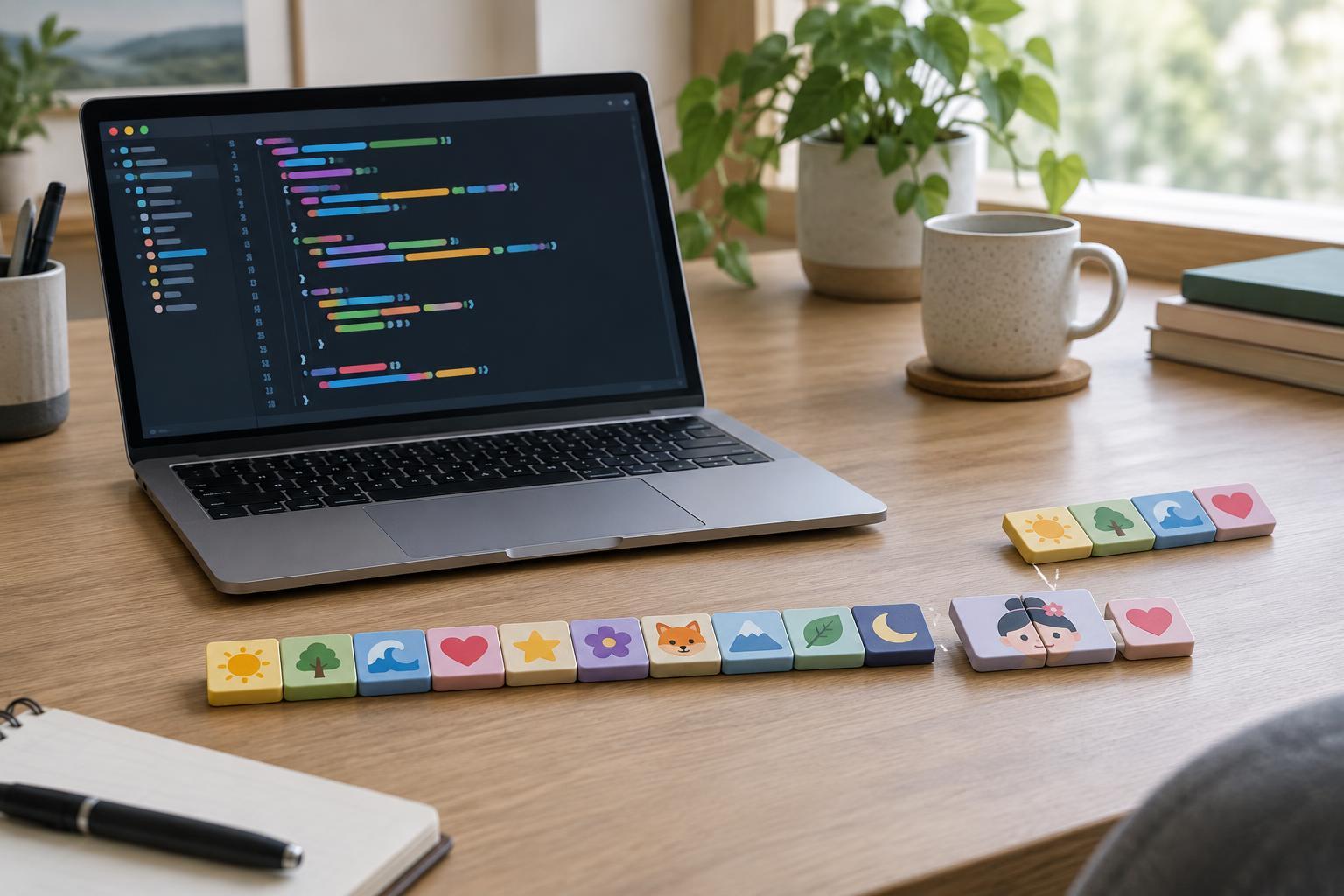
JavaScript’s length and slice() count UTF-16 code units, not necessarily the characters a person sees. For example, '😀'.length is 2, and slicing that string at position 1 splits the emoji into two incomplete halves. Array.from('😀') produces an array with one element because it iterates over Unicode code points. If your task is to process code points, converting with Array.from() can be more appropriate than indexing the original string.
A code point is still not always a complete visible character. Some displayed characters combine multiple code points, such as a letter followed by an accent mark, and some emoji use sequences of several code points. Avoid promising a fixed number of visible characters based solely on string.length or Array.from(text).length. For interface limits or truncation, define what you mean by “character” first, and test with representative accented text and emoji as well as plain ASCII.