What the browser’s connectivity signal means
A web interface may need to react when a device loses its network connection. Browsers provide navigator.onLine for an initial hint and online and offline events on window for later changes. These signals are useful for deciding when to display a warning or invite someone to try again. They are not a test of whether your application’s server, a particular API, or the wider internet is reachable.
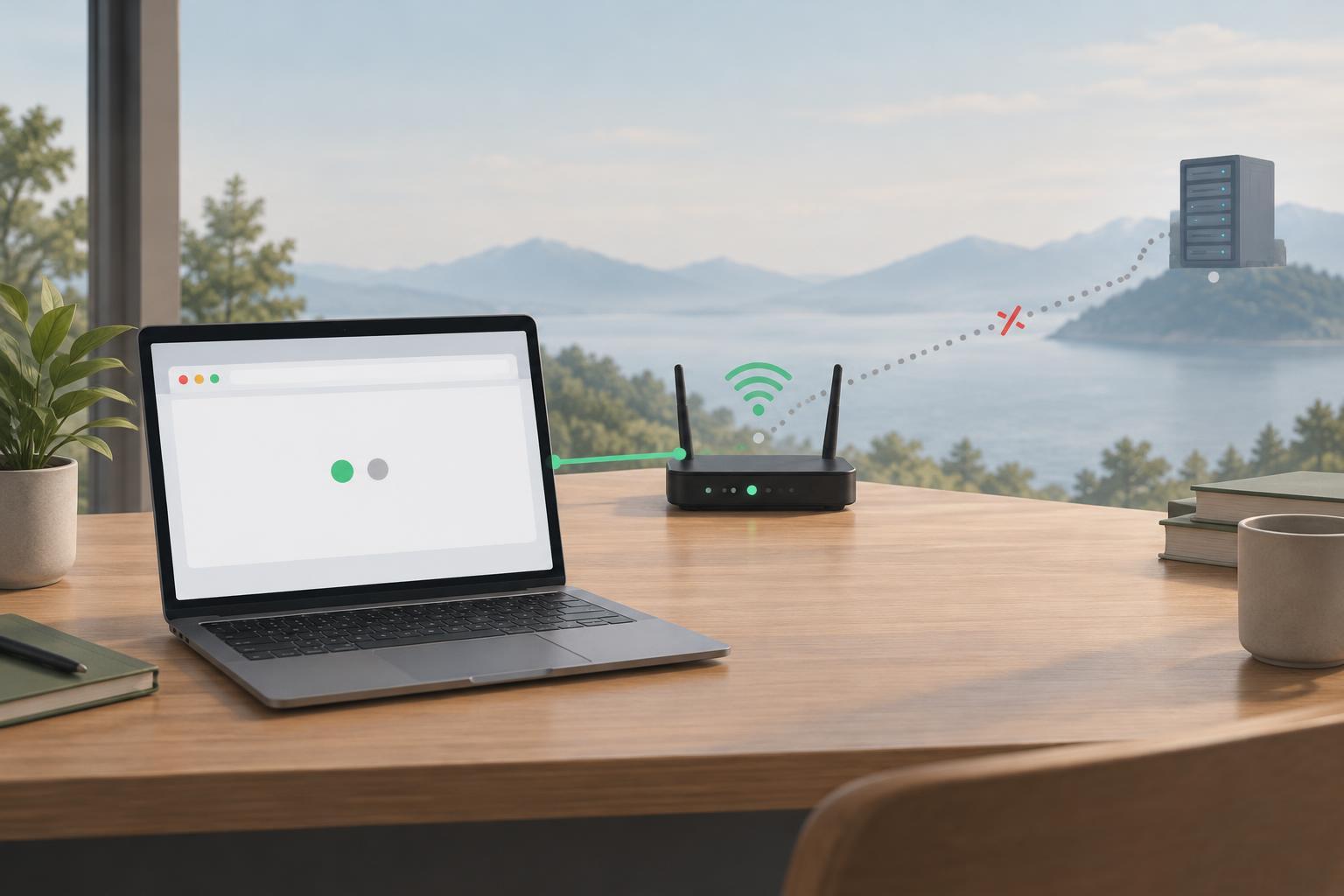
For example, a device may be connected to a local network that has no usable route to your service. A request can also fail while navigator.onLine is true because of a server problem or a connection interruption. Treat the browser signal as information about the device’s apparent connectivity, not as a promise about the next request. That distinction helps you write messages that are useful without being misleading.
Build a small status display
This example runs in a modern browser after the page has loaded. It does not need a server request. Start with a page that contains an element whose id is connection-status. The element can sit near the part of the interface that depends on network access. Give it an appropriate role or live-region behavior if changing its text should be announced to assistive technology; avoid making repeated, nonessential updates that interrupt the user.
Select the element with const status = document.querySelector('#connection-status'); and define a function named updateStatus. Inside that function, set status.textContent to navigator.onLine ? 'A network connection appears available.' : 'Your device appears offline. Changes that need a connection may not work yet.' Then call updateStatus() once for the initial display. This wording deliberately avoids saying that a service is available.
To respond to changes, register the same function with window.addEventListener('online', updateStatus) and window.addEventListener('offline', updateStatus). Using one function for both events keeps the displayed state consistent with the value read at that moment. If this code runs as part of a component that can be removed and recreated, remove both listeners when that component is discarded. Otherwise, old listeners may keep trying to update an element that is no longer part of the interface.
Keep request outcomes separate
A connectivity banner should not replace error handling on actions such as saving a form. Attempt the action when the user requests it, handle its actual result, and report failure in the context of that action. If a request fails, say that the save did not complete rather than assuming the device is offline. Conversely, an offline event can warn that a future save may fail, but it does not tell you what happened to an earlier request.
Be careful with automatic retries, especially for actions that change data. A connection can return after a request reached the server but before its response reached the browser. Sending the action again could create a duplicate unless the application has a way to make retries safe. For a simple interface, a clearly labeled retry control after a confirmed failure is often easier for users to understand. If you preserve unsaved input, tell users whether it remains only in the current page or has actually been stored.
Test changes without overpromising
Open the page and check that the initial message appears. Then use your browser’s network controls to simulate an offline state and return online, watching for the text to change in each direction. Simulation is useful for checking the interface, but it does not reproduce every kind of real network failure. Also test a failed request while the browser still reports online; the action-specific error should remain understandable even if the connectivity message does not change.
Finally, consider whether the status needs to be visible all the time. A persistent warning can help in an interface where people prepare work that must later be sent. In an interface with only occasional network actions, a message beside the affected action may be clearer. The reliable rule is to use online and offline events for a cautious hint, and use each request’s outcome to explain what actually happened.