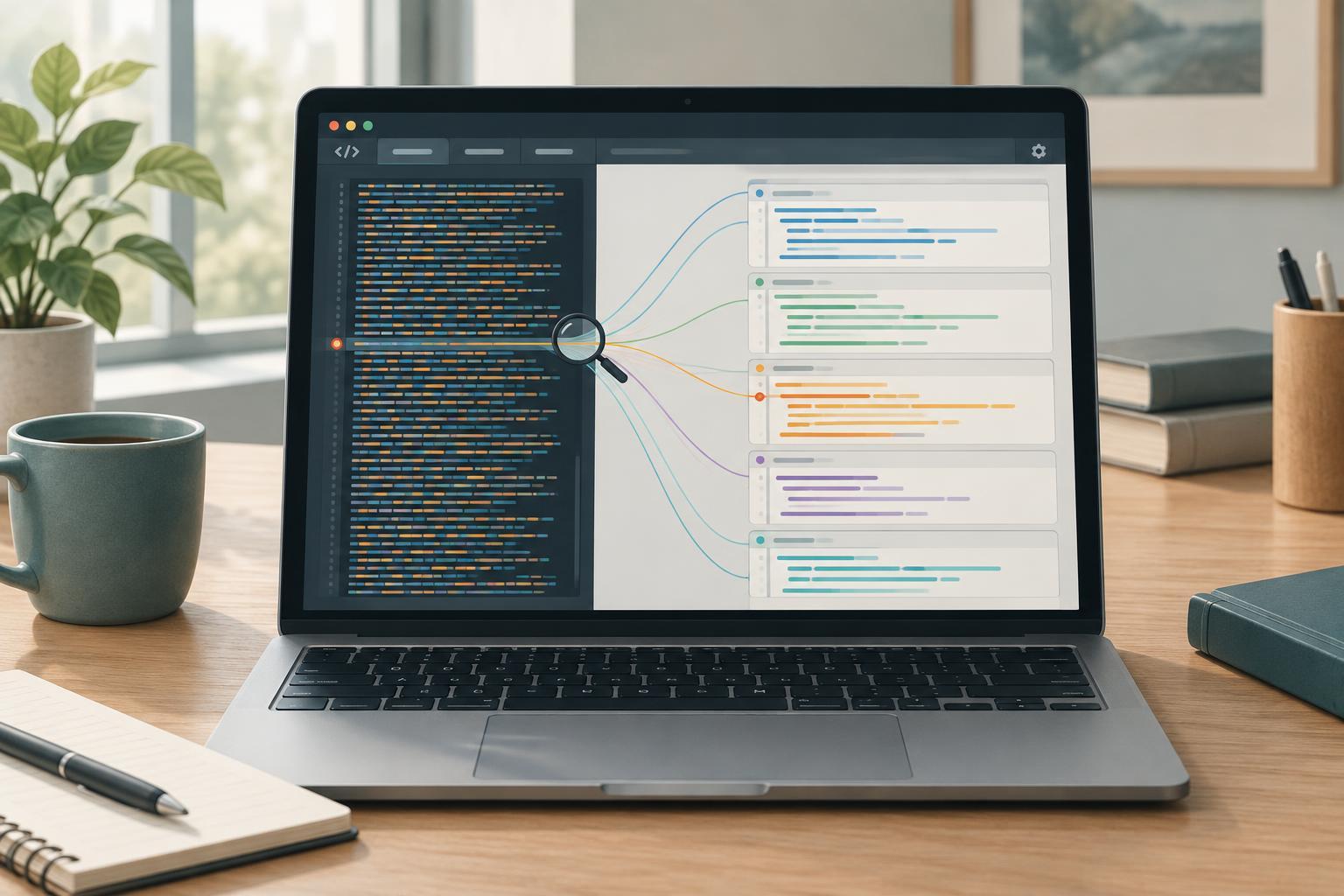
What a source map does
A browser runs the JavaScript file it receives, not the project files you wrote. A build tool may combine modules into one bundle, rewrite syntax, or shorten variable names. That makes an error in the running file difficult to relate to a line in your editor. A source map provides a set of relationships between locations in the generated file and locations in the original source files.
With source maps enabled, browser developer tools can use those relationships to display a stack trace or pause at a breakpoint in an original file. The map does not make the browser execute that original file. If a mapped line looks surprising, remember that the running code is still the generated bundle, and transformations can change how statements and variables appear.
Build a small example locally
This exercise assumes Node.js and npm, Python 3 for a local server, and a modern browser with developer tools. In a new project folder, install esbuild locally with npm install --save-dev esbuild. Create a src directory and a file named src/main.js. Put this code in the file: const button = document.createElement('button'); button.textContent = 'Run'; document.body.append(button); button.addEventListener('click', () => { throw new Error('Demo failure'); });
Create an index.html page that loads dist/app.js with a script element. Then, from the project folder, run npx esbuild src/main.js --bundle --sourcemap --outfile=dist/app.js. Start a local server with python3 -m http.server 8000 and visit the project root at localhost on port 8000. Serving the files locally gives the browser a consistent way to request the page, bundle, and map.
Open developer tools and click Run. The deliberate error should appear in the console. Expand its stack trace and open the referenced location. You should be able to find src/main.js in the developer tools source viewer and relate the failure to the throw statement you wrote. Tool layouts differ, so look for a Sources or Debugger panel if the console link opens a less familiar view.
Use mappings while stepping through code
Find src/main.js in the developer tools source viewer and set a breakpoint on the statement that throws. Click Run again. When execution pauses, inspect the call stack, step through nearby statements, and compare the paused location with the error shown in the console. This is the main benefit of a map: you can work in the structure of your project instead of searching through a generated file.
Mapped locations are aids, not a perfect reconstruction. A build tool can move or combine expressions, so a breakpoint may pause on an adjacent statement. Some locally declared values may be unavailable or may have different names after optimization. When an observation does not fit the original source, inspect the generated bundle at the same pause point before deciding what the program did.
Check why an original file is missing
If developer tools show only dist/app.js, first check that the current build produced dist/app.js.map. Next, look near the end of dist/app.js for a sourceMappingURL reference, which tells developer tools where to request the map. In the developer tools Network panel, check whether that request succeeds. Also confirm that source maps are enabled in the browser’s developer tools settings.
Rebuild after editing src/main.js, then reload the page and check that the browser fetched the new bundle. A stale bundle paired with a newer map, or the reverse, can produce misleading line numbers. If a map loads but an original file is unavailable, its source content may not be embedded in the map, or its source path may not resolve in that environment. Check the build tool’s source-map options and how it publishes source files.
Choose a deliberate deployment approach
Source maps are especially useful in local development and test environments. For deployed builds, decide separately whether browsers should be able to download them. Maps may contain original source text or reveal project file names and paths. Removing the sourceMappingURL reference does not protect a map that remains publicly accessible at a guessable address.
A practical policy is to generate maps where developers need them, keep each map paired with its exact bundle, and control access according to the project’s deployment requirements. Whatever policy you choose, verify it against the files actually served. A useful map is one that matches the running code and is available to the people doing the debugging.