Why the original array sometimes changes
JavaScript variables can refer to the same array. If you write const selected = items, selected is not a copy: changing selected also changes the array called items. That can cause surprises when one part of an interface expects to keep using the earlier list.
The examples below use ordinary JavaScript with const and let. They work in a browser console or a JavaScript runtime that supports the methods shown. The newer copying methods, including toSpliced and toSorted, require a sufficiently recent environment; check your supported browsers or runtime before relying on them.
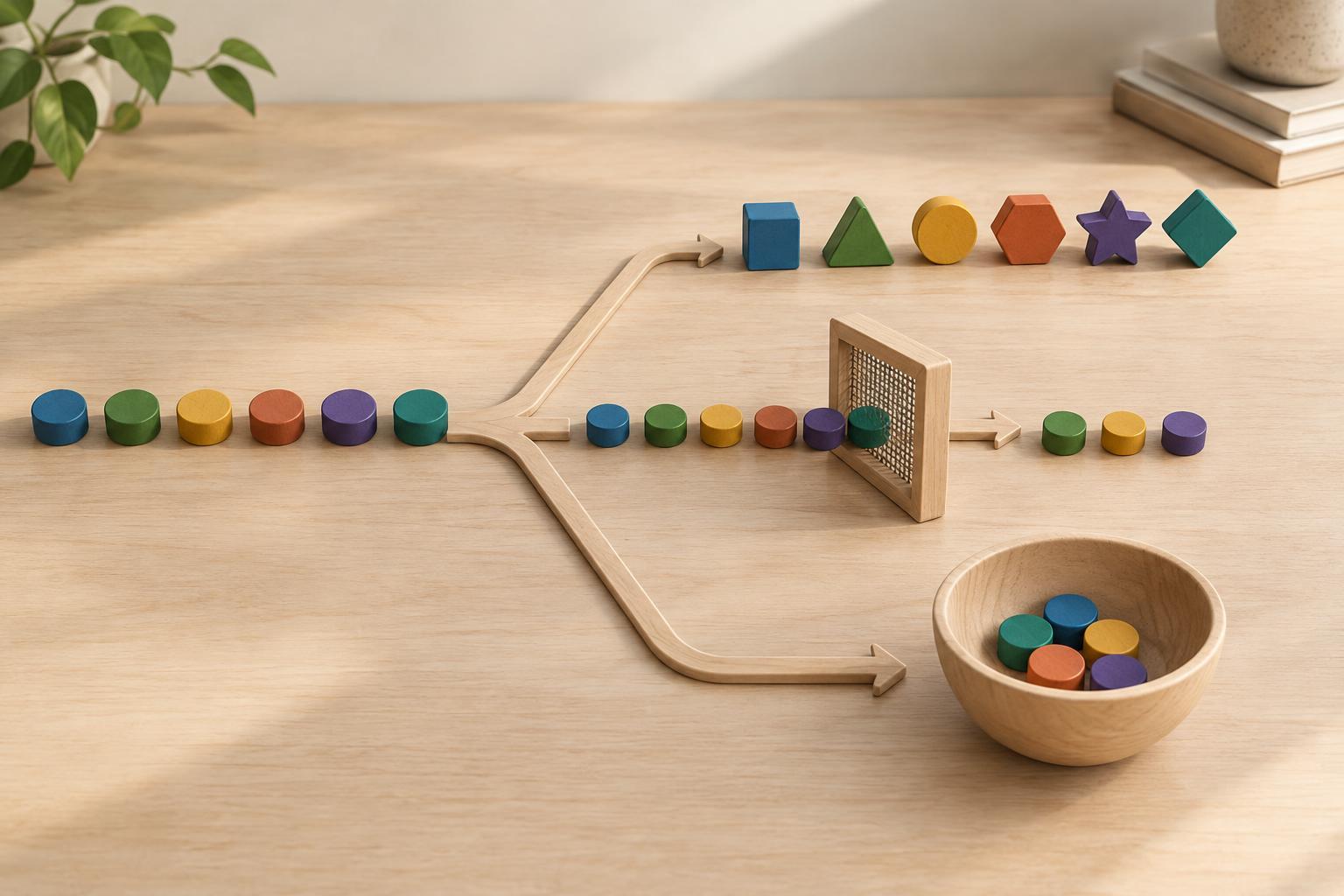
A useful question before every array update is: should this operation change the existing array, or produce a new one? Methods such as splice and sort change the array they are called on. Methods such as slice, toSpliced, and toSorted return a new array and leave the original array’s sequence of entries alone.
Use slice to copy or select part of an array
slice(start, end) returns entries from start up to, but not including, end. It does not remove them from the original array. For example, const colors = ['red', 'blue', 'green']; const firstTwo = colors.slice(0, 2); leaves colors unchanged and gives firstTwo the value ['red', 'blue']. Calling colors.slice() without arguments makes a new array containing all its entries.
A slice copy is shallow. If an entry is an object, both arrays still refer to that same object. For example, const tasks = [{ done: false }]; const copy = tasks.slice(); copy[0].done = true; also changes tasks[0].done. To update that entry without changing the original object, make a replacement object: const updated = tasks.map((task, index) => index === 0 ? { ...task, done: true } : task); The new array and its first object are separate from the originals. Object spread is shallow too, so nested objects need their own copying strategy if you intend to change them.
Choose between splice and toSpliced
splice(start, deleteCount, ...items) edits an array in place. It can remove, insert, or replace entries, and its return value is an array of the removed entries—not the updated array. For example, let letters = ['a', 'b', 'c']; const removed = letters.splice(1, 1, 'x'); makes letters equal ['a', 'x', 'c'] and removed equal ['b']. Use splice when changing that particular array is intentional.
If you need a new array instead, toSpliced uses similar arguments but leaves the original alone. Given const letters = ['a', 'b', 'c']; const updated = letters.toSpliced(1, 1, 'x'); updated is ['a', 'x', 'c'], while letters remains ['a', 'b', 'c']. Unlike splice, toSpliced returns the updated array.
Where toSpliced is unavailable, copy first and then edit the copy: const updated = letters.slice(); updated.splice(1, 1, 'x'); This changes updated but not letters. It is still a shallow copy, so objects already inside the array remain shared. For a simple insertion, copying is often easier to read than assembling several slices; choose the form that makes the intended change clear.
Sort without rearranging your input
sort changes the array it is called on. It also sorts values as strings by default, which may not be what you want for numbers. For example, const scores = [10, 2, 30]; scores.sort((a, b) => a - b); changes scores to [2, 10, 30]. The comparison function specifies numeric ascending order.
To preserve the input, use const sorted = scores.toSorted((a, b) => a - b); in an environment that supports toSorted. An alternative is const sorted = scores.slice().sort((a, b) => a - b); The first step creates an array copy, so sort rearranges that copy rather than scores. Both approaches return a shallow array: sorting object entries changes their order in the new array, but it does not duplicate the objects.
For strings, decide what ordering the interface actually needs rather than assuming the default sort matches a user’s expectations. A comparison function can express a chosen order, but the important mutation rule stays the same: sort edits its receiver; toSorted produces a new array.
Make the intended update visible
Before using an array method, check both what it returns and whether it edits its receiver. Assigning the return value of sort does not undo its mutation, and assigning the return value of splice gives you the removed entries. Names such as original, updated, and removed can make these distinctions easier to spot during review.
Other copying methods follow the same pattern: toReversed returns a reversed array without changing the original, and with(index, value) returns an array with one entry replaced. They can make a straightforward update concise when your target environment supports them. If compatibility is uncertain, a shallow copy followed by the corresponding edit is often a practical fallback.
Finally, test the promise your code makes. Keep a reference to the input array, run the update, and check both the result and the input afterward. If entries are objects, check any object properties you expected to preserve as well. That small habit catches two different mistakes: changing the original array’s entries and changing an object shared by both arrays.