What page visibility tells you
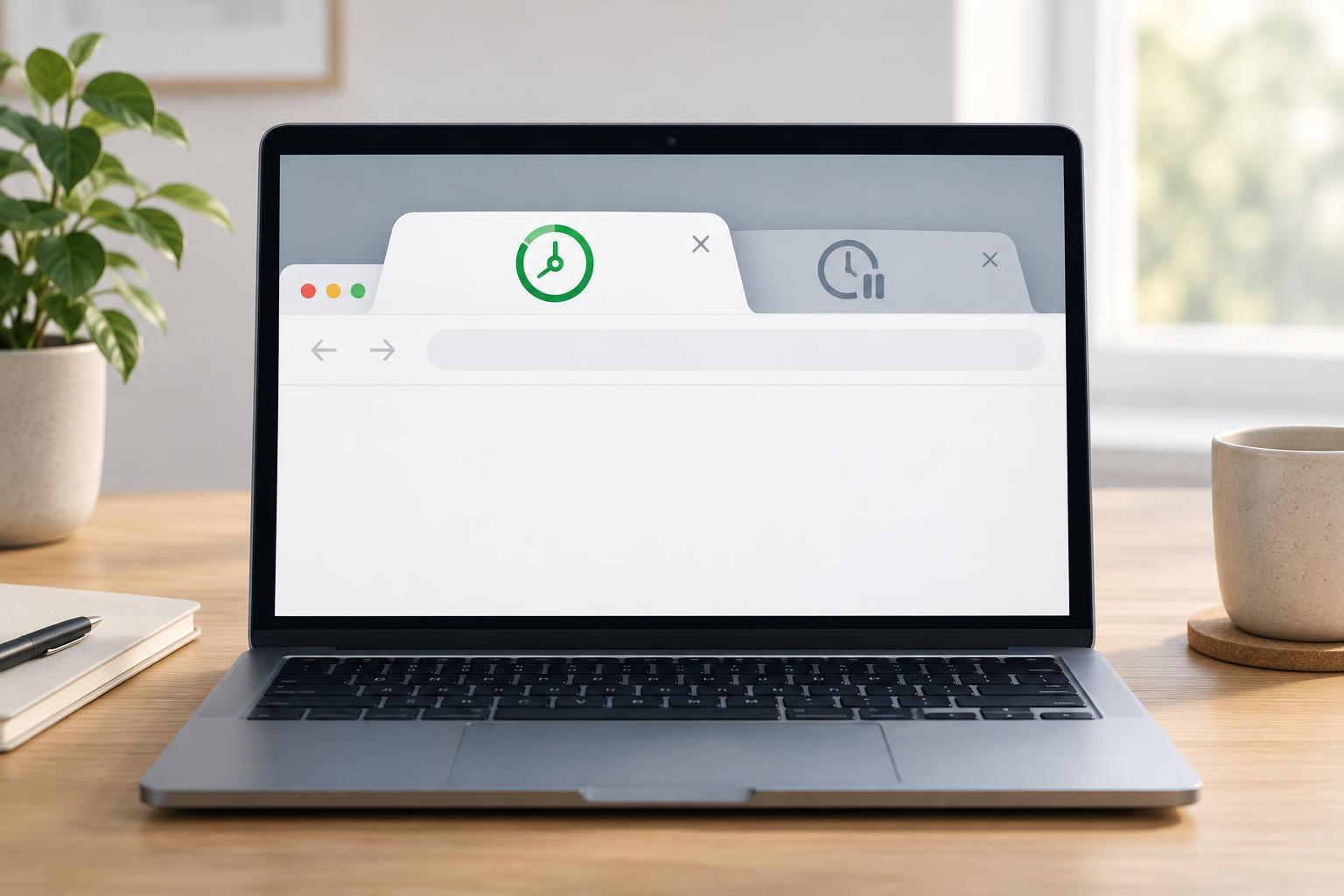
A page can remain open long after someone switches to another tab. If it keeps refreshing a preview, updating a decorative animation, or polling for non-urgent information, that work may no longer be useful. The Page Visibility API gives the page a way to adjust such work when its document becomes hidden or visible.
Read document.visibilityState to check the current state. The states most applications need are "visible" and "hidden"; document.hidden is a convenient Boolean check for whether the document is hidden. Listen for the visibilitychange event on document to respond to later changes. A hidden page is not necessarily closed, and a visible page is not necessarily receiving the user’s attention. Visibility is therefore a useful signal for scheduling optional work, not a measure of engagement.
A reproducible timer example
You can run this example in the developer console of a regular browser page that permits console scripts. It adds a counter and a Stop demo button to the page. Switch tabs and return: the counter stops advancing while the page is hidden and resumes when it is visible. The example checks the initial state as well as listening for changes, so it does not depend on an event occurring after the script starts.
(() => { const status = document.createElement('p'); const stopButton = document.createElement('button'); stopButton.textContent = 'Stop demo'; document.body.append(status, stopButton); let ticks = 0; let timerId = null; function updateVisibility() { if (document.visibilityState === 'visible') { if (timerId === null) { status.textContent = `Running: ${ticks} ticks`; timerId = window.setInterval(() => { ticks += 1; status.textContent = `Running: ${ticks} ticks`; }, 1000); } } else { if (timerId !== null) { window.clearInterval(timerId); timerId = null; } status.textContent = `Paused: ${ticks} ticks`; } } function stopDemo() { if (timerId !== null) window.clearInterval(timerId); document.removeEventListener('visibilitychange', updateVisibility); status.remove(); stopButton.remove(); } document.addEventListener('visibilitychange', updateVisibility); stopButton.addEventListener('click', stopDemo); updateVisibility(); })();
The timer ID starts as null to mean that no interval is running. Before starting an interval, updateVisibility checks that value; before clearing one, it resets the value to null. That prevents repeated visible events from creating multiple intervals. The button also demonstrates cleanup: removing the listener matters when a component or demo is no longer needed.
Choose what should pause
Good candidates are tasks whose results are useful mainly while someone can see the page: refreshing a dashboard preview, advancing a custom canvas animation, or polling for optional updates. Put the start and stop behavior in one place so a task cannot accidentally restart along a second code path. If your application has several independent tasks, each can respond to visibility through its own well-defined setup and cleanup routine.
Do not treat hiding the tab as permission to discard important work. For example, a user-initiated save should not be interrupted solely because the page became hidden. Visibility changes also do not cancel a fetch that has already started. If a background request should be cancelled, that requires a separate cancellation design, such as an AbortController, and a decision about what to do with partial or stale results.
Resume with the right expectations
The example counts interval callbacks, not elapsed seconds. Browsers may delay timers, especially in background pages, and a page may be suspended. If an interface needs to display elapsed time, record a start time and calculate the difference when rendering instead of assuming every scheduled callback ran. When a page becomes visible again, consider refreshing time-sensitive data rather than replaying every update it missed.
A visibilitychange handler is not a reliable final notice before a page closes, nor does it guarantee that background code will keep running. Test the visible-to-hidden-to-visible path, initial setup, and cleanup in the browsers you support. The practical rule is simple: use visibility to pause work that can wait, then make resumption safe even if the page was away longer than expected.