Start with the right environment
The Clipboard API provides asynchronous methods for working with the system clipboard. Use navigator.clipboard.writeText() to copy a string and navigator.clipboard.readText() to request clipboard text. Because these methods return promises, a copy or read operation can succeed later—or fail after the button has been clicked.
For the examples below, run the page in a supported browser over HTTPS or on a local development origin that the browser treats as trustworthy. Clipboard access is generally restricted to secure contexts. It may also depend on whether the document is active and focused, whether the action follows a user gesture, and whether an embedding page permits clipboard access. Browser rules differ, so test the behavior in the browsers and embedding environments your interface supports.
A clipboard button should assist a user, not be the only way to complete a task. Keep text selectable where possible, and make a manual copy or paste path available if the API is missing or access is denied.
Copy text from a button
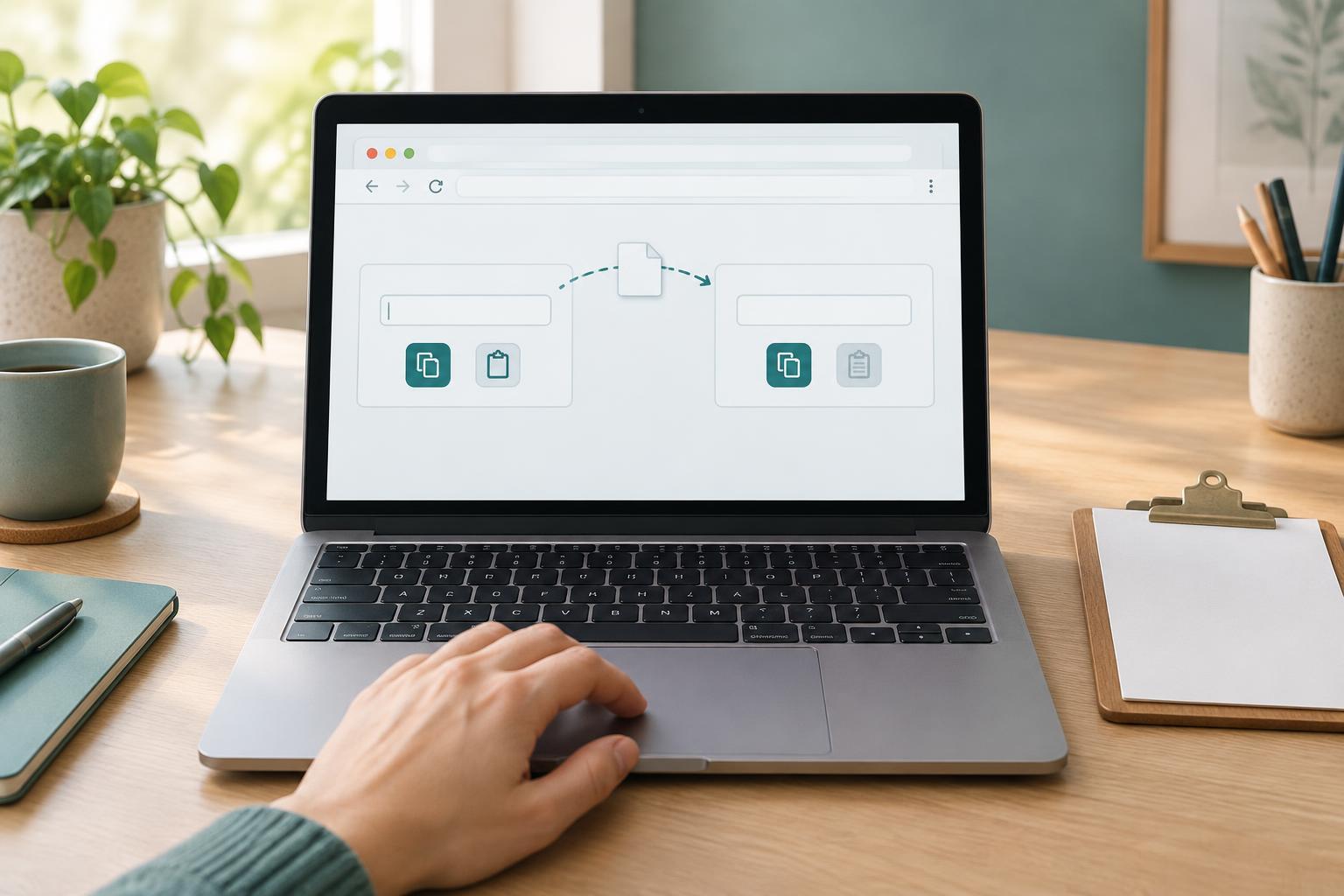
Imagine a page with a textarea whose id is source-text, a button whose id is copy-button, and a status element whose id is clipboard-status. Connect the button directly to the clipboard operation so the request follows the user’s click. Give the status element a polite live-region role in the page design so its messages can be announced without moving focus.
const source = document.getElementById('source-text'); const copyButton = document.getElementById('copy-button'); const status = document.getElementById('clipboard-status'); copyButton.addEventListener('click', async () => { if (!navigator.clipboard?.writeText) { status.textContent = 'Clipboard copying is unavailable. Select and copy the text manually.'; return; } try { await navigator.clipboard.writeText(source.value); status.textContent = 'Text copied to clipboard.'; } catch (error) { status.textContent = 'Could not copy. Select and copy the text manually.'; } });
Report success only after awaiting writeText(). An error can occur even when the method exists, so feature detection alone is not enough. Keep the failure message actionable rather than exposing an exception name to the user. During development, logging the error can help distinguish a denied request from an environmental restriction.
Read clipboard text only when the user asks
Reading clipboard contents is more sensitive than writing because the clipboard may contain information from another application. Provide a clearly labeled paste button and explain where the content will go. Do not read on page load or repeatedly request access in the background. For a page with a button named paste-button and a textarea named destination-text, the handler can be short:
const pasteButton = document.getElementById('paste-button'); const destination = document.getElementById('destination-text'); pasteButton.addEventListener('click', async () => { if (!navigator.clipboard?.readText) { status.textContent = 'Clipboard reading is unavailable. Paste into the field manually.'; return; } try { destination.value = await navigator.clipboard.readText(); status.textContent = 'Clipboard text added to the field.'; } catch (error) { status.textContent = 'Could not read the clipboard. Paste into the field manually.'; } });
This example reuses the status element from the copy example. A successful read can return an empty string; decide whether your interface should describe that as an empty clipboard rather than as a successful paste. If the destination may already contain work, avoid replacing it without making that behavior clear to the user.
Treat permissions as browser-dependent
There is no single permission check that reliably predicts whether every clipboard operation will succeed. Some browsers support clipboard-related names in the Permissions API; others do not, or apply different user-activation rules. Even a permission query cannot replace handling the actual readText() or writeText() promise. In particular, reading may trigger a browser prompt or require a recent user action, depending on the browser.
Avoid making a permissions query the gatekeeper for your button. Check whether the method exists, call it in response to the user’s action, and handle rejection. If the page runs inside an iframe, its permissions policy may impose an additional restriction that the page itself cannot resolve. Testing the feature in its real hosting context matters more than assuming that a successful local test guarantees the same result everywhere.
Design a useful failure path
Clipboard failures should leave the page usable. For copying, let users select the source text. For reading, provide an editable field that accepts an ordinary keyboard or context-menu paste. Do not automatically clear either field when an operation fails. If a button temporarily changes state while awaiting a promise, restore that state in a finally block so another attempt remains possible.
Keep status messages brief and specific: say what happened and what the user can do next. The Clipboard API is most useful when it removes a step, while the underlying interface still works without it.