Start with a reproducible error
A stack trace is a record of function calls associated with an error. It is most useful when you can make the error happen again under known conditions. Before changing code, note the action that triggers it, the input involved, and the error message. If the failure occurs only sometimes, record what differs between successful and unsuccessful runs.
For a small example, open the developer-tools console in a modern browser and enter this JavaScript on one line: function parseScore(value) { return value.trim(); } function renderScore() { return parseScore(null); } renderScore(); The browser should report a TypeError because null has no trim method. The exact wording and displayed locations vary by browser, but the trace should lead from parseScore to renderScore and then to the console entry. Entering the example on one line means its reported line number will not be especially helpful; the function names and call order still are.
In a project, use the same principle with the real failing action. Preserve a failing input or a short sequence of clicks so you can check whether a later fix addresses the original problem rather than merely hiding the message.
Read the message and frames separately
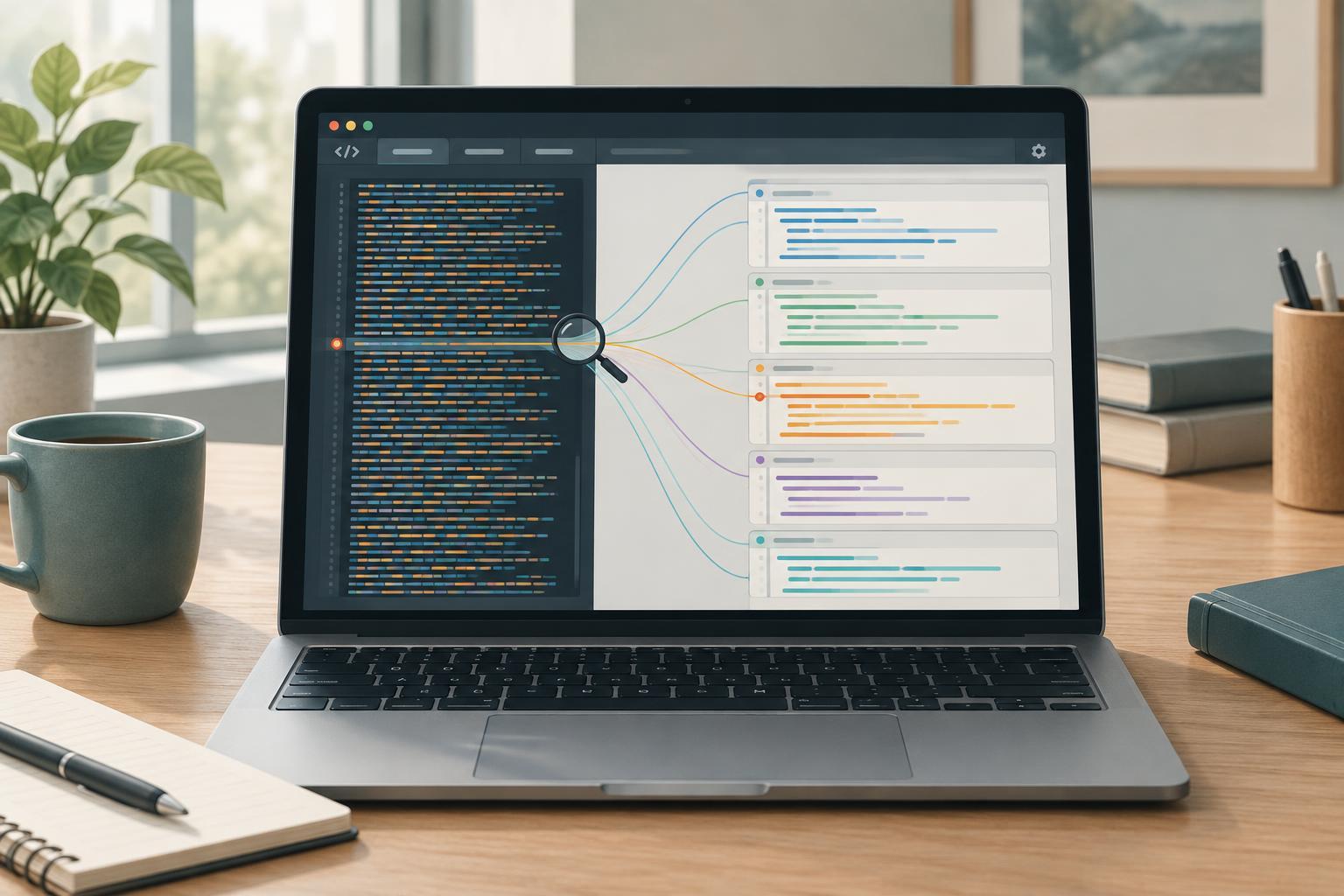
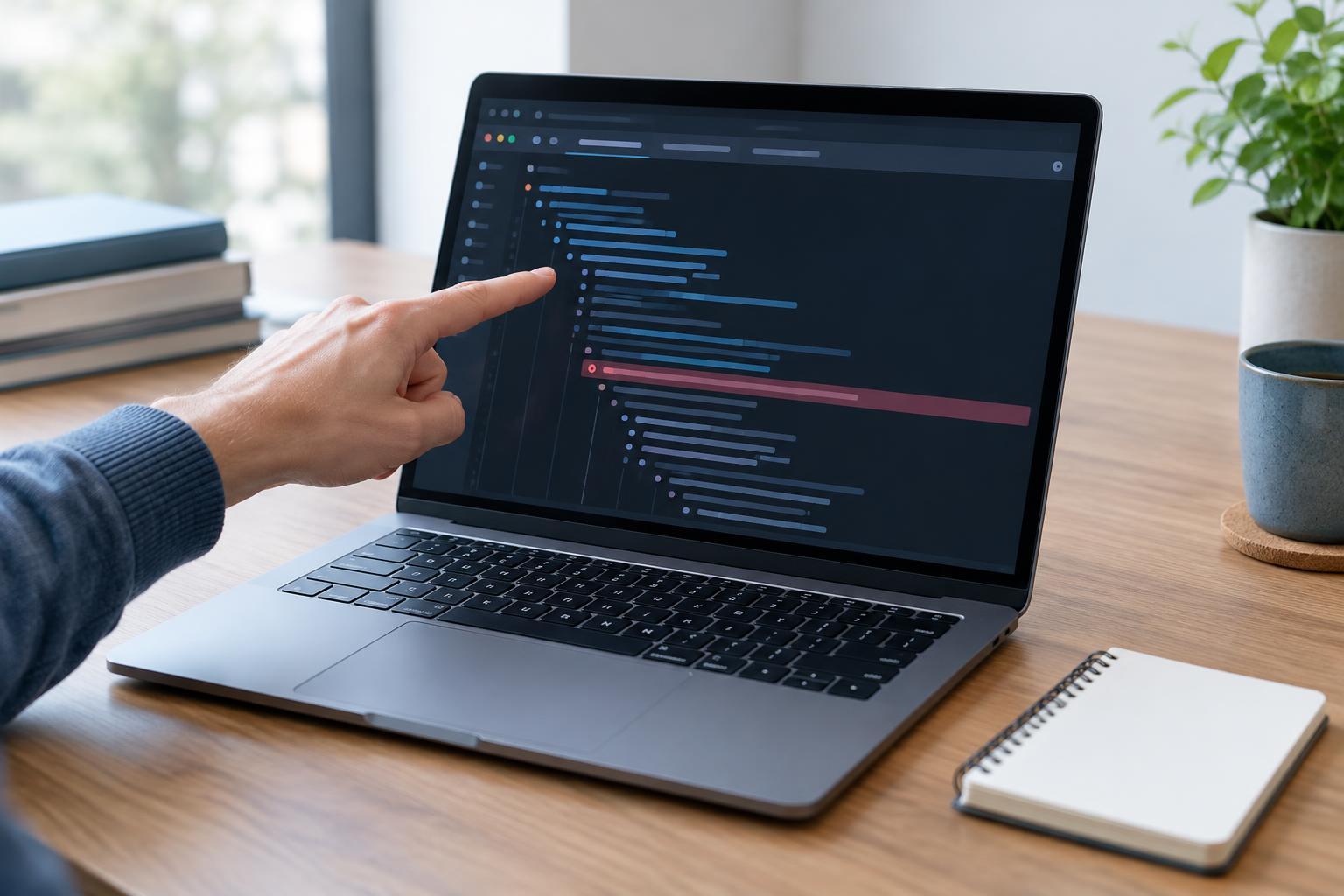
The error message describes what operation failed. A stack frame identifies a place in the call path, often with a function name, file, line, and column. In the example, the frame for parseScore points to the attempted trim call. The next frame, renderScore, shows who called parseScore. Read from the top frame downward to follow the path backward through callers. Console output may include extra frames belonging to the browser or development tools.
The first frame is usually the place where JavaScript noticed the problem, not necessarily where the incorrect value originated. Here, parseScore cannot call trim on null, but renderScore supplied that null. Changing parseScore to suppress the error without deciding what null means could leave the interface displaying an incorrect result.
Treat locations as navigation aids, not proof of responsibility. Clicking a file-and-line reference in developer tools can take you to the failing expression. Then inspect its arguments and local variables. If a frame name is missing, the line and surrounding code can still show which operation failed.
Follow the unexpected value back to its source
Once you reach the failing expression, ask what the code expected and what it received. For a value.trim() failure, the useful question is not only “Where is trim called?” but “Why was value null here?” Move one frame down to the caller, check the argument it passed, and continue through earlier calls until you find where that argument was created, read, or transformed.
A breakpoint at the failing line lets you inspect values before the operation runs. If the error happens too quickly to pause there, set a breakpoint in its caller or enable pausing on exceptions in developer tools. Reproduce the failure, then step through the calls and compare actual values with the conditions your code assumes. A temporary console.log near a boundary can also help, provided you remove or replace it after debugging.
For browser interfaces, likely boundaries include form fields, DOM queries, fetched data, and component props. These are places to verify inputs before using them. Choose a fix that reflects the intended behavior: supply a valid value, handle an absent value explicitly, or reject invalid input with a clearer error. Then rerun both the failing case and a normal case.
Account for asynchronous calls and generated code
Not every trace shows an uninterrupted path back to the original user action. A timer callback, event handler, or promise continuation runs after earlier code has finished. Its trace may begin at the callback rather than at the function that registered it. Some developer tools display additional asynchronous call information, but its availability and presentation vary. If the trace stops at a callback, inspect where that callback was registered and what data it captures or receives.
Also check whether the displayed file is the code you wrote. A bundled or minified application may report a location in generated JavaScript with short variable names. When source maps are available and enabled, developer tools may map that location back to the original file. If they are not, use the generated location to identify the failing expression and relate it to the build or module that produced it. Avoid assuming a frame in a library proves the library is at fault; inspect the values your code passed into it.
For rejected promises, read the rejection reason as well as any stack shown. A rejection may carry an Error with a useful creation location, while a non-Error rejection may provide little context. Keeping meaningful errors intact as they move through asynchronous code makes later debugging easier.
Use the trace to test a specific explanation
A productive debugging pass ends with a statement you can test: “renderScore passes null to parseScore when no score is available.” The trace identifies the relevant calls; inspection establishes the value; a repeatable input confirms when it occurs. Make the smallest change that gives that case an intentional outcome, then reproduce the action again.
If the problem could return, add a test around the boundary where the unexpected value entered. In the example, a test might cover an absent score and assert the behavior you chose for it. Stack traces are starting points for that work: they show where execution failed and how it got there, while careful inspection and a confirming test establish why.