Why a listener can miss a new element
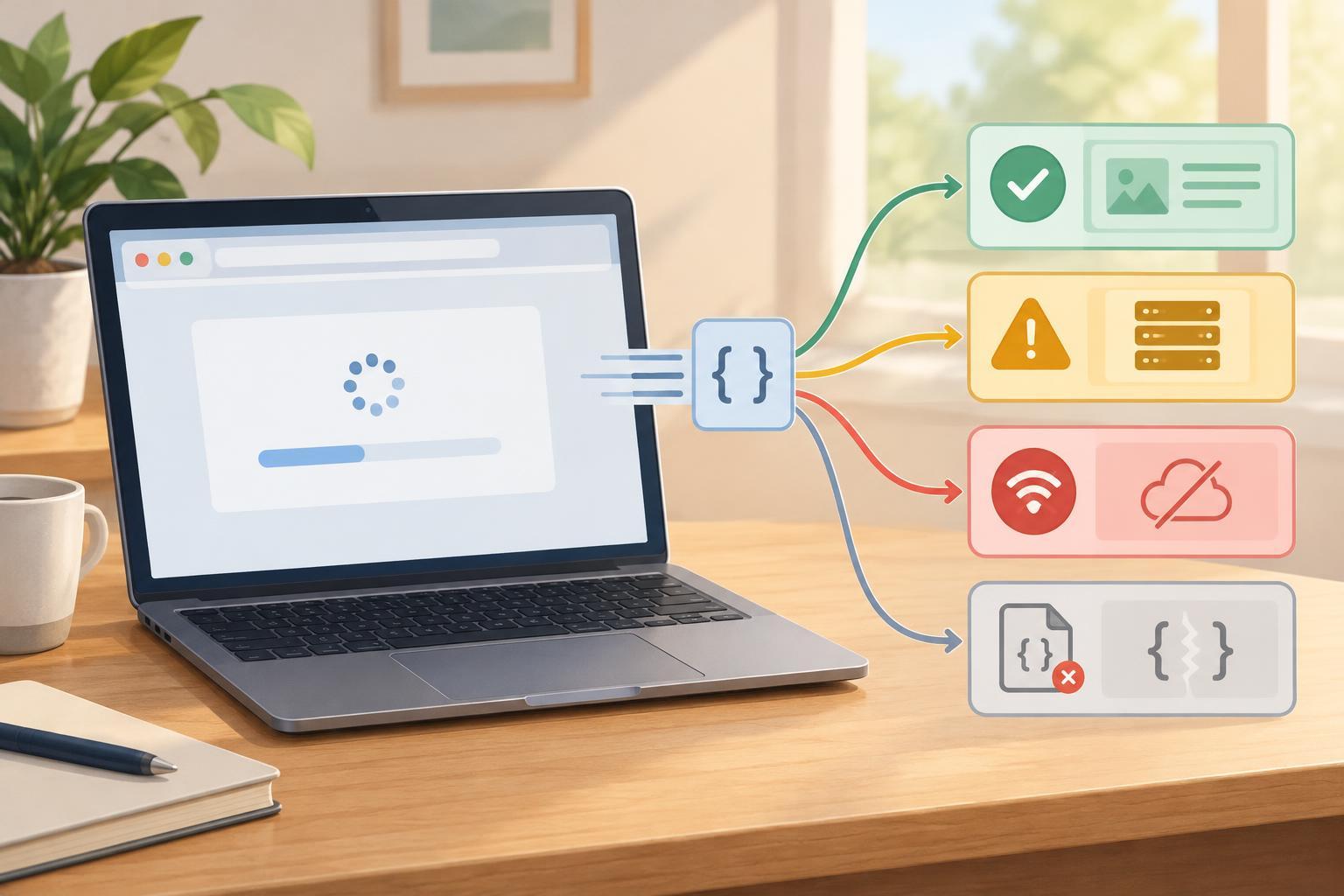
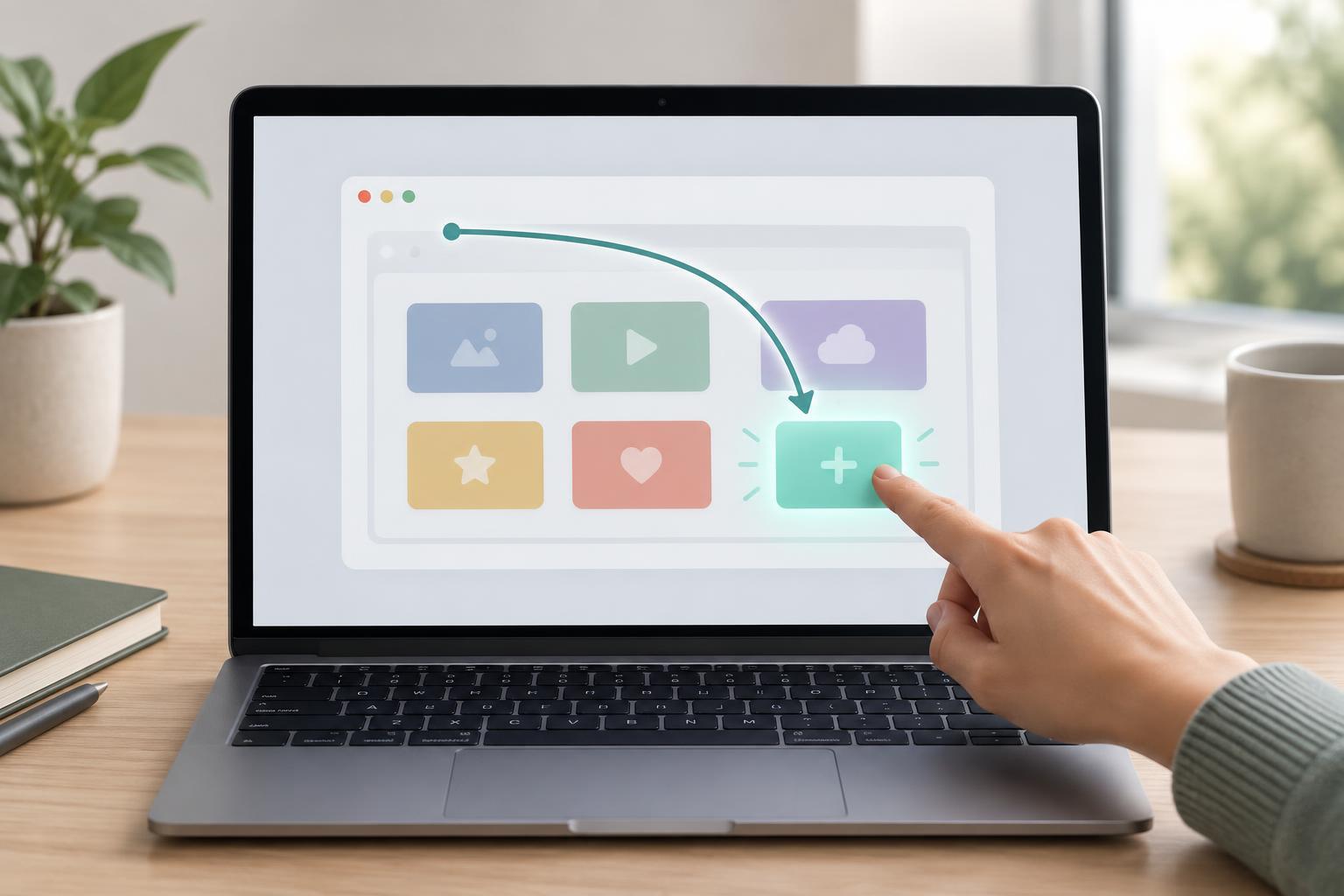
Suppose a page displays a list of buttons and adds another button after a user action. If you select the current buttons with querySelectorAll() and attach a click listener to each one, only those buttons receive listeners. querySelectorAll() returns a collection of elements found at that moment; adding a button does not rerun your setup code. The new button may look identical, but no listener was attached to it.
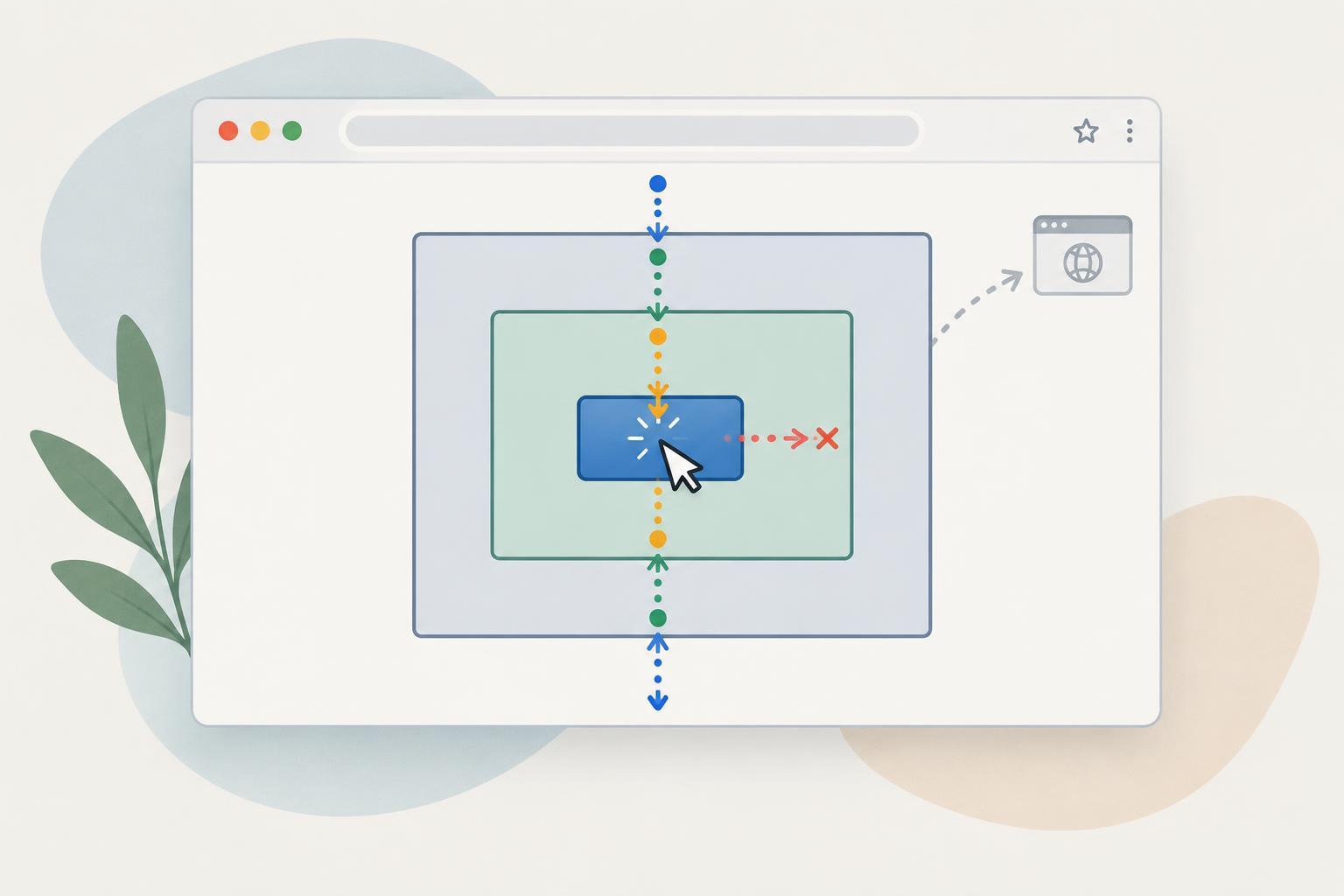
You could attach a listener every time you create a button. That can be a reasonable choice for a small component that owns its elements. Event delegation offers another approach: attach one listener to a parent that already exists, then determine which descendant was clicked. It works because a click normally bubbles from its target through ancestor elements. The parent can therefore receive clicks from children added after the listener was registered.
A reproducible browser example
Run this example in the console of a modern browser on a page where you can append elements to document.body. It creates a container and one button, registers the container’s listener, then adds a second button after a short delay. Click either button to see its label in the console.
const root = document.createElement('div'); function createButton(label) { const button = document.createElement('button'); button.type = 'button'; button.dataset.action = 'select'; button.textContent = label; return button; } root.append(createButton('First')); document.body.append(root); root.addEventListener('click', (event) => { if (!(event.target instanceof Element)) return; const button = event.target.closest('button[data-action="select"]'); if (!button || !root.contains(button)) return; console.log('Selected:', button.textContent); }); setTimeout(() => root.append(createButton('Later')), 1000);
The listener is attached before “Later” exists, yet it handles clicks on that button. No listener needs to be copied to the new element. If you run the example more than once, each run creates a separate container; remove the earlier containers or refresh the page before repeating it.
Identify the intended click target
Inside a delegated listener, event.currentTarget is the element holding the listener: root in this example. event.target is where the click began. They are not interchangeable. Checking only event.target against a button selector can fail when a button contains a nested element and that nested element receives the click. closest() starts at the target and walks up its ancestors to find the matching button.
The instanceof Element check ensures that closest() is available before calling it. The root.contains(button) check sets a boundary for this handler. Without it, closest() could find a matching ancestor outside the container in an unusual nesting arrangement. The data-action attribute gives the listener a specific kind of button to respond to, so unrelated buttons inside the same container can have other purposes.
Do not treat every click anywhere in the container as a selection. A click on empty space or on a different control should fail the selector check and return. As a component grows, you can give its controls distinct action values and branch on button.dataset.action. Keep those branches focused; a single listener that handles many unrelated behaviors can become harder to understand than a few listeners on stable subcontainers.
Choose the right parent and manage its lifetime
Attach the delegated listener to the nearest stable parent that contains the elements you intend to handle. Listening on document can work, but it also receives clicks from the rest of the page and requires more filtering. A component container makes the boundary clearer and reduces the chance of responding to an unrelated control.
Delegation does not mean listeners never need cleanup. If your code repeatedly initializes the same long-lived container, adding a new anonymous listener on every initialization can make one click run the handler multiple times. Register the listener once, or keep a reference to the handler and remove it with removeEventListener() when the component is disposed. If a container and its descendants are removed together and nothing else retains them, its listener leaves with that container.
Finally, use real button elements for actions. A button is keyboard-operable by default, and a keyboard-triggered button activation also produces a click event that this delegated handler can receive. Delegation changes where you listen; it does not replace semantic controls, clear labels, or appropriate focus behavior.