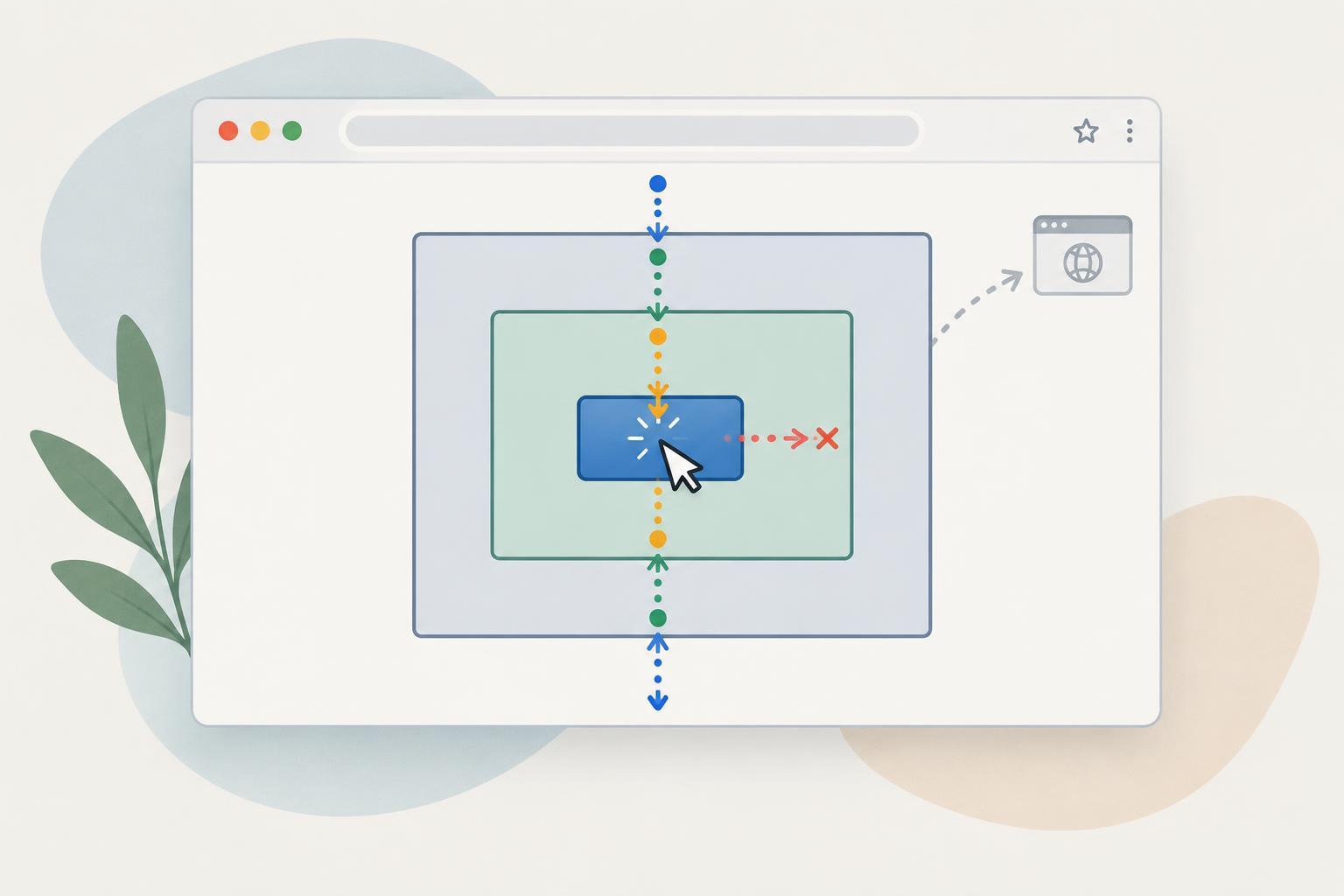
Two milestones, two different jobs
A script can access a page element only after the browser has parsed that element into the document. That is the question DOMContentLoaded usually helps answer. The event fires on document when the initial HTML has been parsed and deferred and module scripts have run. It does not wait for every image or other page resource to finish loading.
The load event fires later on window, after the page and its dependent resources have loaded, subject to exceptions such as lazily loaded resources. Waiting for load is usually unnecessary if your script only needs to find elements, attach listeners, or update text. Waiting longer can make an interface feel unresponsive without making those DOM operations safer.
Neither event guarantees that a particular selector matches an element. The element might be absent from that page, have a different selector, or be added later by another script. Check the result of querySelector before using it.
Choose the event for the work you need to do
For a navigation menu, form handler, or reusable component that works with elements already in the initial HTML, initialize when the DOM is ready. In a browser script, one simple pattern is: document.addEventListener('DOMContentLoaded', () => { const menu = document.querySelector('.menu'); if (!menu) return; menu.addEventListener('click', handleMenuClick); }); This example assumes handleMenuClick is defined and the page may or may not contain an element with the class menu.
Use load when the task genuinely depends on resources being loaded. For example, code that reads an image’s rendered dimensions may need to wait for that image. An image-specific load listener can be more precise than waiting for the entire window. If the image might already have loaded before the listener is attached, check its complete property as well. Remember that a loaded image and an image that loaded successfully are not necessarily the same thing; check naturalWidth when success matters.
Fonts, dynamically inserted content, and lazy-loaded images may become ready on different schedules. A single page-wide event is not a promise that every future visual change is finished. For a component, prefer the readiness signal that belongs to the thing it actually depends on.
Script placement changes what you need to wait for
A classic script without defer or async runs when the parser reaches it. If it appears in the document head, elements later in the body might not exist yet. If it appears after the elements it uses, it can access those elements immediately, even though parsing of the whole document might not be complete.
An external script with defer waits until the HTML has been parsed before it runs. A module script has similar default timing for this purpose. Both run before DOMContentLoaded fires, so they can generally query elements from the initial HTML without adding a DOMContentLoaded listener. By contrast, an async script runs when it becomes available, which may be before or after parsing finishes. It should not assume the DOM is ready based on its position in the HTML.
These distinctions apply to ordinary browser documents. They do not mean that content fetched or rendered later by application code will be present at DOMContentLoaded. If your interface creates elements later, initialize them when they are created or use an approach such as event delegation for suitable interactions.
A safe initialization pattern for uncertain timing
Scripts loaded dynamically, or code resumed after an asynchronous operation, may start after DOMContentLoaded has already fired. Registering a listener at that point will not replay the event. In a browser environment, use document.readyState when the timing is uncertain: function init() { const button = document.querySelector('#save'); if (!button) return; button.addEventListener('click', save); } if (document.readyState === 'loading') { document.addEventListener('DOMContentLoaded', init, { once: true }); } else { init(); } This assumes save is defined and that init is called only once for that component.
The loading state means parsing is still in progress. The interactive state means parsing is complete, though some deferred or module scripts may still be running; complete is a later state. The pattern works when init needs parsed elements, not work performed by some other script that has not run yet. For that dependency, arrange an explicit call or shared initialization flow rather than relying on a page event.
As a rule of thumb, wait for DOMContentLoaded only if your script might run before the initial DOM is parsed. Use load only for a real resource-loading dependency. Then check that the elements and resources your code needs are actually available.