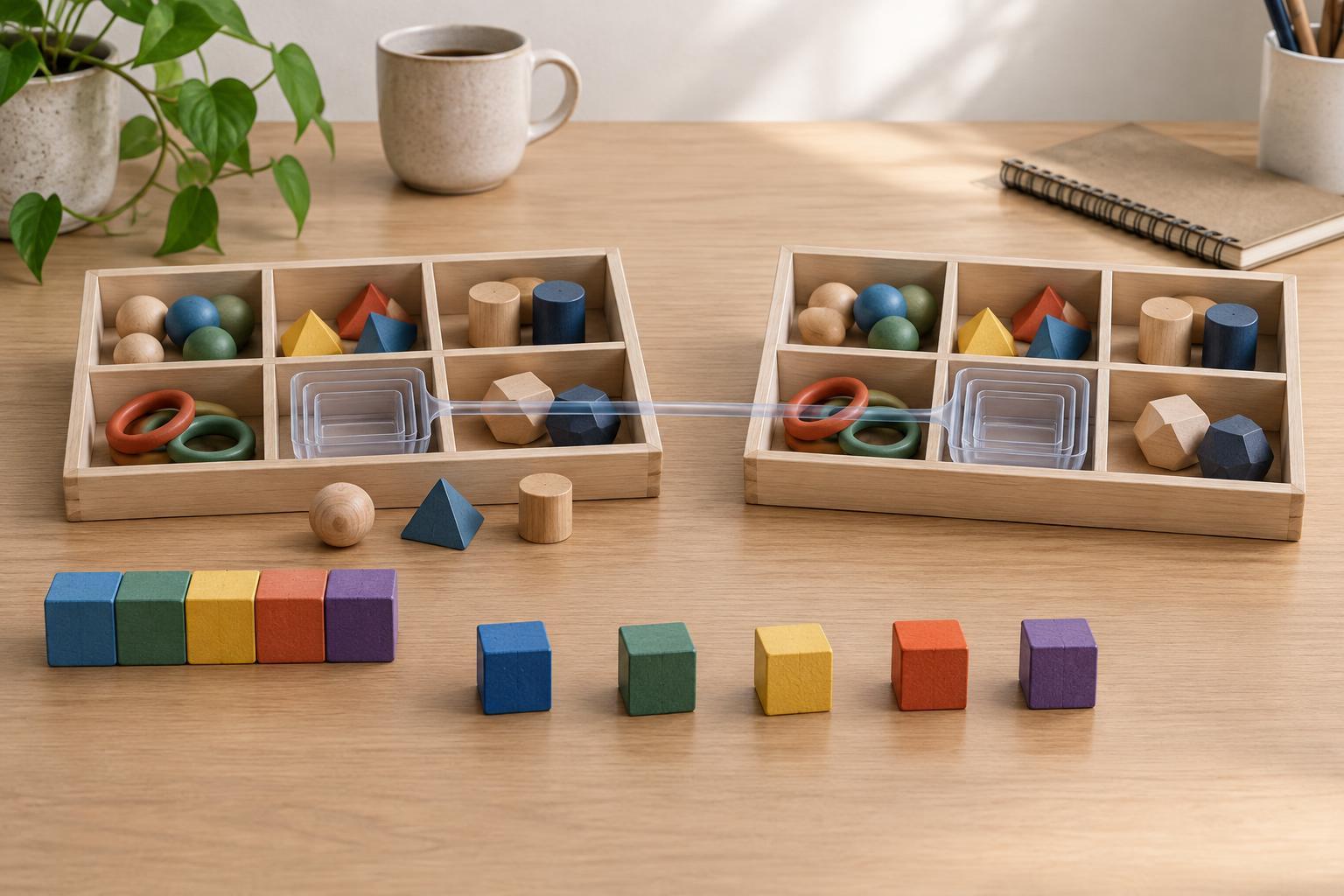
A small vocabulary for moving values
Destructuring reads values from an array or object and assigns them to variables in one expression. Spread syntax expands values into a new array, object, or function call. Rest syntax looks similar—it also uses three dots—but gathers values that were not assigned individually. These examples use standard JavaScript and can run in a modern browser console or a current Node.js environment; they do not require a framework or the DOM.
Think of the direction of the data. In const [first, second] = items, destructuring pulls values out of items. In const copy = [...items], spread puts values into a new array. The syntax is compact, but the resulting variables and copies follow ordinary JavaScript rules about values and references. Understanding those rules makes the shorthand easier to use safely.
Unpack arrays by position
Array destructuring matches positions, not variable names. Given const colors = ["red", "green", "blue"], the statement const [primary, secondary] = colors assigns "red" to primary and "green" to secondary. It does not remove either value from colors. To skip a position, leave a gap: const [, middle] = colors assigns "green" to middle.
A default value is used when the matched value is undefined. For example, const [label = "Untitled"] = [] assigns "Untitled" to label. A value of null does not trigger that default. Defaults are useful for optional positions, but if an array has many positions with different meanings, an object with named properties may be clearer.
Rest syntax collects remaining array elements into a new array: const [first, ...others] = colors gives first the value "red" and others the value ["green", "blue"]. The rest element must come last. This pattern is handy when one item needs special treatment and the remaining items can be processed together.
Unpack objects by property name
Object destructuring finds properties by name. Given const settings = { theme: "dark", compact: true }, const { theme, compact } = settings creates two variables with the corresponding values. Their order in the destructuring pattern does not matter. To choose a different variable name, use a colon: const { theme: selectedTheme } = settings. This creates selectedTheme, not a separate theme variable.
You can supply a default for a missing or undefined property: const { language = "en" } = settings assigns "en" to language. As with arrays, null is kept as null. A rest property gathers other own, enumerable properties: const { theme, ...remaining } = settings leaves remaining as { compact: true }. This is useful for omitting a known property without changing the original object.
Destructuring expects something it can read. Trying to destructure null or undefined as an object throws an error. If an optional input may be absent, handle that possibility explicitly, for example: function showTheme(options = {}) { const { theme = "light" } = options; return theme; }. The parameter default handles a missing argument, but a caller who passes null still needs separate handling.
Use spread to build new arrays and objects
Array spread expands an iterable into array elements. const moreColors = [...colors, "yellow"] makes a new array containing the original colors followed by "yellow". It leaves colors unchanged. You can also combine arrays with const all = [...colors, ...moreColors]. Spread in a function call passes elements as arguments, as in Math.max(...[3, 8, 5]). The surrounding expression determines whether spread is building an array or supplying arguments.
Object spread copies an object's own, enumerable properties into a new object. For example, const updated = { ...settings, theme: "light" } creates a new object with theme set to "light" while settings retains "dark". If a property appears more than once, the later value wins. To preserve an existing value instead, put the spread later: { theme: "light", ...settings }. This ordering is worth checking when combining defaults with user-provided options.
Object spread is a convenient way to add or replace properties, but it is not a general-purpose clone of every kind of object. It does not preserve a custom prototype, and properties inherited through the prototype chain are not copied. For routine plain data objects, those limits may be acceptable; for class instances or objects with special behavior, choose an approach that matches the behavior you need.
Know where a shallow copy stops
Both [...array] and { ...object } create a new outer container. They do not recursively duplicate nested arrays or objects. Consider const original = { profile: { name: "Ada" } }; const copy = { ...original };. The comparison copy !== original is true, but copy.profile === original.profile is also true. Changing copy.profile.name therefore changes the name seen through original.profile.
Replacing a nested object avoids that shared-reference change: const renamed = { ...original, profile: { ...original.profile, name: "Grace" } };. Here, renamed and renamed.profile are new objects. This style works well when you know which nested level you need to update. If the data is more deeply nested, each level along the changed path needs its own copy.
Use destructuring when it makes the values you need easier to see, and use spread when you want to assemble a new container without modifying the old one. Before calling either result an independent copy, check whether any nested values are objects or arrays. That one question prevents many surprising changes in state and configuration data.