What a location request can—and cannot—do
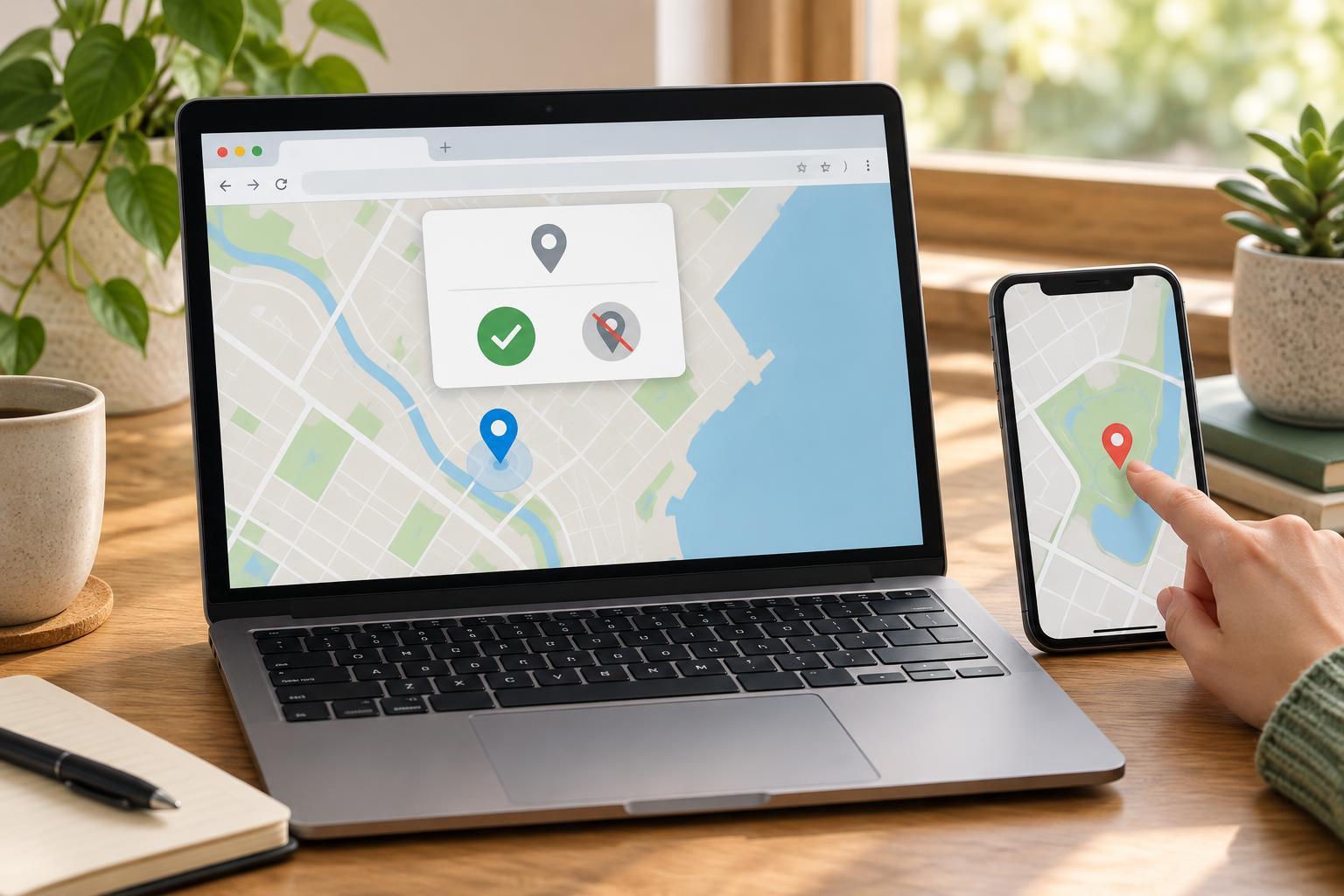
The browser Geolocation API lets a page ask for a device’s approximate position. It does not give every site automatic access to location: the browser controls permission, and the person using the page can decline. A successful request returns coordinates and an accuracy estimate, not a guarantee that the coordinates identify an exact address.
Use geolocation when it helps someone complete a task, such as finding nearby results, and explain why you are asking before making the request. Provide another way to continue, such as entering a city manually. That alternative matters both for people who decline permission and for devices that cannot determine a position.
The example below is intended for a normal browser page opened over HTTPS or on localhost, which browsers generally treat as a trustworthy development origin. Geolocation requires a secure context and may also be restricted when a page runs inside an iframe. Run the JavaScript in the browser console after the page has loaded; it creates its own button and status message. No library or API key is needed.
Request a position after a button click
A button gives the request a clear purpose and a predictable starting point. Paste the following JavaScript into the console, then select “Use my location.” The page displays the result locally; it does not send coordinates to a server.
const button = document.createElement('button'); button.type = 'button'; button.textContent = 'Use my location'; const status = document.createElement('p'); status.setAttribute('role', 'status'); status.textContent = 'You can also enter a location manually.'; document.body.append(button, status); button.addEventListener('click', () => { if (!window.isSecureContext || !('geolocation' in navigator)) { status.textContent = 'Location is unavailable here. Enter a location manually.'; return; } button.disabled = true; status.textContent = 'Waiting for your location choice or a position…'; navigator.geolocation.getCurrentPosition( position => { const { latitude, longitude, accuracy } = position.coords; status.textContent = `Approximate coordinates: ${latitude.toFixed(4)}, ${longitude.toFixed(4)}. Reported accuracy: about ${Math.round(accuracy)} metres.`; button.disabled = false; }, error => { if (error.code === error.PERMISSION_DENIED) { status.textContent = 'Location access was denied. Enter a location manually instead.'; } else if (error.code === error.POSITION_UNAVAILABLE) { status.textContent = 'Your position could not be determined. Enter a location manually.'; } else if (error.code === error.TIMEOUT) { status.textContent = 'The location request timed out. Try again or enter a location manually.'; } else { status.textContent = 'Location could not be retrieved. Enter a location manually.'; } button.disabled = false; }, { enableHighAccuracy: false, timeout: 10000, maximumAge: 0 } ); });
The success callback receives a GeolocationPosition object. Its coords property includes latitude, longitude, and accuracy, with accuracy expressed in metres. Four decimal places keep the display readable, but they do not make the reading that precise; use the reported accuracy when deciding whether a position is suitable for your feature. This example makes one request. It does not continuously track movement.
Treat denial as a normal outcome
The error callback separates three common outcomes. PERMISSION_DENIED means access was refused or blocked. POSITION_UNAVAILABLE means the browser could not obtain a position. TIMEOUT means the request exceeded its configured time limit; it is not proof that permission was denied. Showing the same “enable permissions” advice for all three would send some users in the wrong direction.
A person may deny a prompt, dismiss it, or have access blocked by browser settings or the page’s embedding context. Do not repeatedly trigger a new request after denial. Keep the manual-location route visible, and let the person choose whether to try again. If you add guidance about changing browser settings, avoid promising that a retry will work: the required steps vary by browser and device.
The Permissions API can sometimes report a geolocation permission state, but it is not a replacement for handling the result of getCurrentPosition. Support and behavior vary, and a permission state alone cannot tell you whether the device will produce usable coordinates. The request callbacks remain the dependable place to update this interface.
Check the fallback and protect the result
Test the example by allowing the request, then by denying it. You can also inspect the unavailable-path message on a page where geolocation is not exposed. For a full feature, replace “enter a location manually” with an actual input; the example deliberately names the fallback without pretending to implement it.
The options in the request express preferences rather than guarantees. enableHighAccuracy: false avoids asking for a higher-accuracy reading, timeout: 10000 sets a limit for obtaining a position, and maximumAge: 0 asks for a fresh reading rather than accepting a cached one. Permission prompts and device conditions can still affect how long a person waits and how useful the result is.
Coordinates are sensitive information. Request them only when needed, display only what the task requires, and avoid putting them in analytics or logs by default. A good location feature remains usable when someone chooses not to share a position.