Why event listeners need a stopping point
An interface may add listeners when a panel opens, a tool starts, or a component appears. When that interface stops, its listeners may no longer be useful. A listener left on a persistent element can still respond to events, and its callback may retain references to data the interface no longer needs. Removing listeners is therefore part of shutting an interface down, not just tidying its markup.
AbortController offers a way to manage related listeners together. Pass its signal in the options argument to addEventListener, then call abort() on the controller when those listeners should stop. This pattern is useful when several listeners share the same lifetime. It also avoids keeping a separate callback reference solely so you can later pass it to removeEventListener.
Try it in a browser console
The following example runs in the developer console of a page with a document body, in a browser that supports the signal option for addEventListener. It creates its own controls, so it does not require an existing page element or a server endpoint. Paste the entire snippet as one block:
(() => { const panel = document.createElement("div"); const countButton = document.createElement("button"); const stopButton = document.createElement("button"); const status = document.createElement("p"); const controller = new AbortController(); let clicks = 0; countButton.type = "button"; countButton.textContent = "Count clicks"; stopButton.type = "button"; stopButton.textContent = "Stop counting"; status.textContent = "Clicks: 0"; panel.append(countButton, stopButton, status); document.body.append(panel); countButton.addEventListener("click", () => { clicks += 1; status.textContent = `Clicks: ${clicks}`; }, { signal: controller.signal }); stopButton.addEventListener("click", () => { controller.abort(); countButton.disabled = true; stopButton.disabled = true; status.textContent += " (stopped)"; }, { once: true }); })();
Click Count clicks a few times, then click Stop counting. The count listener is removed when abort() runs. Disabling the count button makes the stopped state clear to a person using the page, but disabling it is not what removes the listener. The Stop counting listener uses once: true, so it removes itself after running. It does not use the controller’s signal because it is the control that triggers the abort.
Use one controller for one lifetime
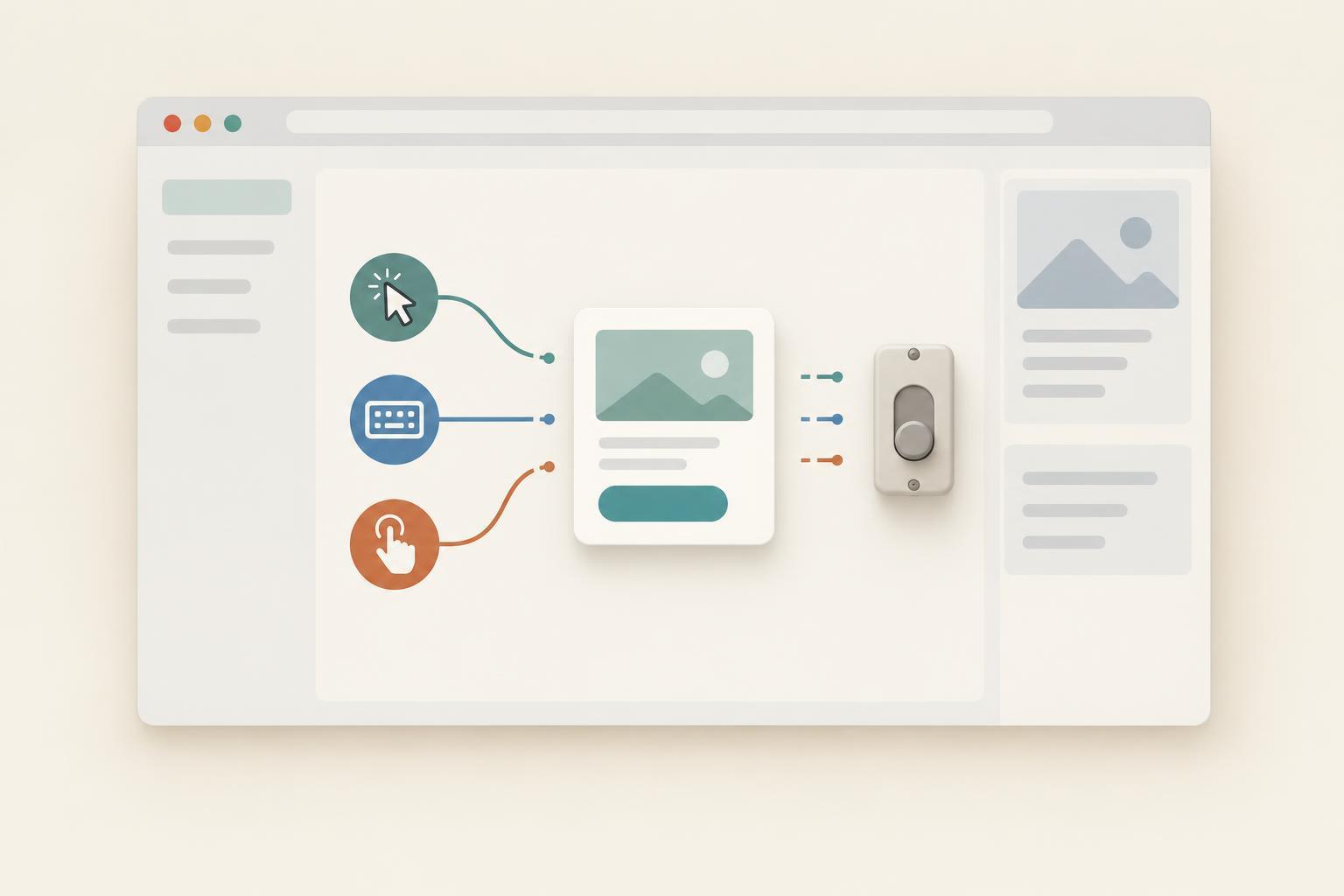
A controller becomes more valuable when an interface needs several listeners at once. An open panel might listen for clicks on its close button and for keyboard input on the document. Register both with the same signal if both should stop when the panel closes. The listeners can be attached to different targets; what they share is a cleanup point, not necessarily an element.
Choose the group carefully. If one listener must remain active after another stops, they should not depend on the same controller. Likewise, create a new AbortController when the panel opens again. Once a controller has been aborted, its signal remains aborted; it cannot be reset for a second session.
Keep the controller close to the code that owns the interface’s lifetime. For a small widget, that may be the function that creates it. This makes it easier to see which action ends the widget and which listeners that action removes.
What aborting does not do
Calling abort() does not remove elements, reverse DOM changes, or clear a timer created by a callback. If a widget adds nodes to the page or starts scheduled work, handle those resources separately when it closes. Aborting also does not undo a listener callback that has already run; it prevents the registered listener from responding to later events.
For a single listener with a stable callback, removeEventListener remains a straightforward choice. Use the signal approach when a shared stopping point makes the code easier to follow. In either case, decide who owns each listener and when that owner is finished. That decision matters more than the particular cleanup method.